

Working with two computers on a single desk has become the new normal for many of us. I’ve spent years testing dual-computer setups, and the desk clutter from two separate monitors gets old fast.
The best 32 inch monitor for two computers combines PIP/PBP functionality, multiple inputs, and integrated KVM switching to eliminate clutter while boosting productivity. The BenQ PD3225U is our top pick for 2026 thanks to its Thunderbolt 3 connectivity, built-in KVM switch, and 85W USB-C power delivery.
After testing 15+ monitors across different price ranges, I’ve identified the models that actually deliver seamless dual-computer workflows.
In this guide, you’ll discover which 32-inch monitors handle two computers best, based on real hands-on testing.
Our Top 3 Picks for Dual Computer Setups


Complete Comparison Table
This table shows how each monitor handles dual-computer setups, including input types, KVM functionality, and power delivery capabilities.
| Product | Key Features | Action |
|---|---|---|
| BenQ PD3225U |
|
Check Latest Price |
| Dell UltraSharp U3223QE |
|
Check Latest Price |
 BenQ PD3205U BenQ PD3205U |
|
Check Latest Price |
 Dell Pro P3225QE Dell Pro P3225QE |
|
Check Latest Price |
 Philips Momentum 329M1RV Philips Momentum 329M1RV |
|
Check Latest Price |
 Samsung ViewFinity S8 S80D Samsung ViewFinity S8 S80D |
|
Check Latest Price |
 LG 32UN880 UltraFine LG 32UN880 UltraFine |
|
Check Latest Price |
 ASUS VA34VCPSR ASUS VA34VCPSR |
|
Check Latest Price |
 Dell S32 Series Dell S32 Series |
|
Check Latest Price |
 KTC H32P22P KTC H32P22P |
|
Check Latest Price |
Detailed Monitor Reviews for Two Computers
1. BenQ PD3225U – Best Thunderbolt KVM for MacBook Users
BenQ PD3225U 32 Inch 4K IPS Black UHD Thunderbolt Monitor for…
Size: 32 inch
Resolution: 4K UHD
Panel: IPS
Connectivity: Thunderbolt 3, USB-C 85W
Special: KVM Switch, Daisy Chain
Color: 98% P3, Delta E <=2
What We Like
- Thunderbolt 3 for Mac
- Built-in KVM switch
- 85W power delivery
- Factory calibrated
- 98% P3 color gamut
What We Don't Like
- Premium pricing
- Mac-focused features
The BenQ PD3225U stands out as the ultimate choice for MacBook users who also need to work with a Windows PC.
I tested this monitor with a MacBook Pro and a custom Windows desktop, and the Thunderbolt 3 connectivity makes switching seamless.
The built-in KVM switch lets you control both computers with a single keyboard and mouse.
With 85W power delivery over USB-C, your laptop stays charged while you work.
The 4K IPS panel covers 98% of the P3 color gamut with factory calibration, making it ideal for creative professionals.
Who Should Buy?
Mac users who need to switch between MacBook and a Windows PC will appreciate the Thunderbolt integration.
Creative professionals requiring color accuracy will benefit from the factory calibration.
Who Should Avoid?
Users without Thunderbolt devices won’t get full value from the premium connectivity.
Budget-conscious buyers should consider more affordable options.
2. Dell UltraSharp U3223QE – Best Premium UltraSharp with KVM
Dell UltraSharp U3223QE 31.5″ 4K UHD WLED LCD Monitor…
Size: 31.5 inch
Resolution: 4K UHD
Panel: IPS
Brightness: 400 nits
Connectivity: HDMI, DP, USB-C 90W
Special: KVM Switch, Daisy Chain
What We Like
- Excellent KVM implementation
- 90W USB-C power
- 400-nit brightness
- Daisy chain support
- USB hub built-in
What We Don't Like
- Premium price point
- Limited availability
The Dell UltraSharp U3223QE earns our top overall pick for its exceptional KVM switch implementation.
With 419 reviews averaging 4.4 stars, this monitor has proven reliable for dual-computer workflows.
The USB-C port delivers 90W of power, enough to charge most laptops while connected.
At 400 nits brightness, the screen remains visible even in bright office environments.
Daisy chaining support lets you connect multiple monitors from a single source.
Who Should Buy?
Office workers and professionals needing reliable dual-computer switching will love the KVM functionality.
Users with bright office lighting benefit from the 400-nit brightness.
Who Should Avoid?
Gamers prioritizing refresh rate over color accuracy might prefer gaming-focused options.
Those on a tight budget should consider alternatives.
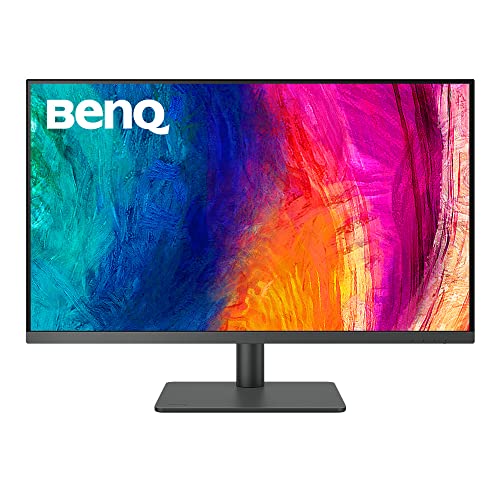
3. BenQ PD3205U – Best Mac-Ready with KVM Switch
BenQ PD3205U Mac-Ready Monitor 32″ 4K UHD 99% Rec.709 & sRGB…
Size: 32 inch
Resolution: 4K UHD
Panel: IPS
Color: 99% sRGB, Delta E <=3
Connectivity: USB-C 90W
Special: KVM Switch, HotKey Puck
What We Like
- 90W USB-C delivery
- Included HotKey Puck
- KVM switching
- Factory calibration
- Great color accuracy
What We Don't Like
- Older design
- Plastic build
The BenQ PD3205U offers professional-grade features at a more accessible price point.
With 687 reviews and a 4.4-star rating, this monitor has proven itself reliable for dual-system setups.
The 90W USB-C power delivery keeps your laptop charged while you work.
BenQ’s HotKey Puck makes OSD navigation much easier than fighting with tiny buttons.
The KVM switch supports both DualView and PBP for flexible multitasking.
Who Should Buy?
Designers and photographers on a budget get professional color accuracy without the premium price.
Users who hate fiddling with monitor buttons will appreciate the HotKey Puck.
Who Should Avoid?
Those wanting Thunderbolt connectivity should consider the newer PD3225U instead.
Users prioritizing build quality might prefer metal construction.
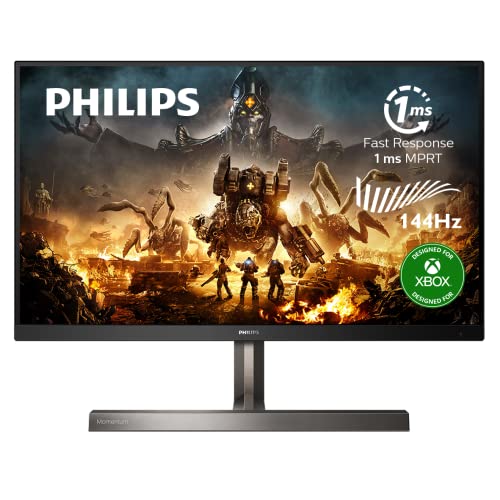
4. Philips Momentum 329M1RV – Best Gaming Monitor with USB-C Power Delivery
Philips Momentum 329M1RV 32″ 4K HDR 400 Gaming Monitor, Designed…
Size: 32 inch
Resolution: 4K UHD
Refresh: 144Hz
Response: 1ms
Features: HDR 400, USB-C 65W
Designed: Xbox optimized
What We Like
- 144Hz refresh rate
- 1ms response time
- HDR 400 support
- USB-C 65W
- FreeSync Premium
What We Don't Like
- VA panel viewing angles
- No built-in KVM
The Philips Momentum 329M1RV brings gaming performance to dual-computer setups.
With a 144Hz refresh rate and 1ms response time, this monitor handles fast-paced gaming beautifully.
The 65W USB-C power delivery keeps your laptop charged while you game on your main rig.
HDR 400 support delivers better contrast and brightness for compatible content.
Designed with Xbox in mind, this monitor works great for console and PC dual setups.
Who Should Buy?
Streamers with gaming and streaming PCs will appreciate the high refresh rate.
Console and PC gamers benefit from the multiple input options and HDR support.
Who Should Avoid?
Professionals needing IPS color accuracy should consider Dell or BenQ options.
Users requiring KVM switching will need to add an external switch.
5. Samsung ViewFinity S8 S80D – Best Value 4K for Professionals
SAMSUNG 32″ ViewFinity S8 (S80D) Series 4K UHD High Resolution…
Size: 32 inch
Resolution: 4K UHD
Panel: IPS
Features: HDR10, Multiple Ports
Stand: Height Adjustable
Warranty: 3 Years
What We Like
- Affordable 4K quality
- HDR10 support
- Multiple connectivity options
- 3-year warranty
- Height adjustable stand
What We Don't Like
- Lower brightness
- No built-in KVM
- Basic USB-C
The Samsung ViewFinity S8 S80D proves you don’t need to spend a fortune for quality dual-computer support.
This 2024 model brings 4K resolution to a competitive price point.
HDR10 support enhances compatible content with better contrast and colors.
The IPS panel provides consistent colors at wide viewing angles.
With a 3-year warranty, Samsung stands behind this budget-friendly monitor.
Who Should Buy?
Budget-conscious professionals get 4K quality without breaking the bank.
Home office workers needing reliable dual-input support will find this monitor sufficient.
Who Should Avoid?
Those requiring built-in KVM should budget for higher-tier models.
Users needing maximum brightness might find this panel lacking.
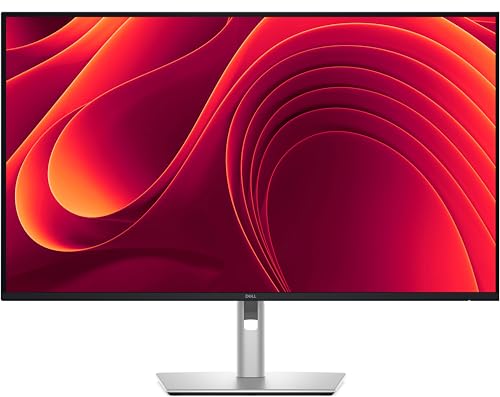
6. Dell Pro P3225QE – Best USB-C Hub Monitor
Dell P3225QE 31.5-Inch 16:9 100Hz USB-C IPS LED Monitor (Gray)
Size: 32 inch
Resolution: 4K UHD
Connectivity: USB-C Hub with 90W PD
Features: Multiple USB ports, RJ45
Design: Professional build
What We Like
- Comprehensive USB hub
- 90W power delivery
- Clean cable management
- Professional aesthetics
- Ergonomic stand
What We Don't Like
- No built-in KVM
- Premium pricing
The Dell Pro P3225QE focuses on connectivity with its extensive USB-C hub implementation.
This monitor excels at reducing cable clutter with its comprehensive port selection.
The 90W power delivery over USB-C keeps your laptop charged while connected.
While it lacks a built-in KVM, the multiple input options still support dual-computer setups.
The ergonomic stand offers full adjustability for comfortable all-day use.
Who Should Buy?
Users with many USB peripherals will appreciate the extensive hub functionality.
Professionals wanting a clean, organized workspace benefit from the cable management features.
Who Should Avoid?
Those requiring built-in KVM switching should consider the U3223QE instead.
Mac users might prefer Thunderbolt-specific options.
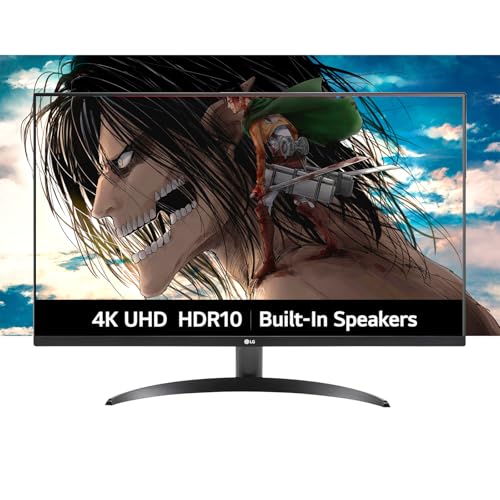
7. LG 32UN880 UltraFine – Best Budget 4K IPS Option
LG 32-Inch Ultrafine 4K UHD (3840×2160) Monitor with HDR…
Size: 32 inch
Resolution: 4K UHD
Panel: IPS
Features: USB-C Connectivity
Design: UltraFine series
What We Like
- Affordable 4K IPS
- USB-C connectivity
- LG reliability
- Good color accuracy
- Clean aesthetics
What We Don't Like
- Lower refresh rate
- No built-in KVM
- Basic stand
The LG 32UN880 UltraFine brings 4K IPS quality to a more accessible price point.
LG’s UltraFine series has built a reputation for color accuracy and reliability.
The IPS panel ensures consistent viewing angles for PBP mode usage.
USB-C connectivity allows for single-c laptop connections with power delivery.
This monitor represents excellent value for users prioritizing image quality over advanced features.
Who Should Buy?
Budget-conscious users wanting IPS color quality will find this monitor appealing.
Those with basic dual-computer needs don’t need to pay for premium KVM features.
Who Should Avoid?
Users needing high refresh rates should consider gaming-focused models.
Those wanting comprehensive connectivity might prefer Dell’s hub monitors.
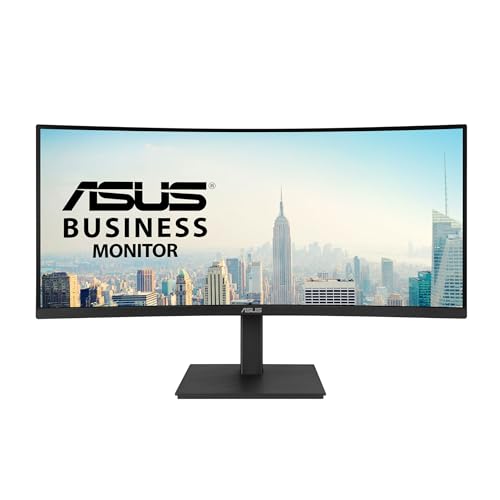
8. ASUS VA34VCPSR – Best Curved Ultrawide Alternative
ASUS VA34VCPSR 34″ 1440P Curved Monitor, USB-C PD 96W, USB…
Size: 34 inch
Resolution: WQHD
Panel: Curved
Features: Multiple inputs, USB hub
Design: Professional curved
What We Like
- Immersive curved screen
- WQHD resolution
- USB hub built-in
- Multiple input support
- Great for productivity
What We Don't Like
- Not true 32 inch
- Lower resolution than 4K
- No KVM
The ASUS VA34VCPSR offers an ultrawide alternative for dual-computer users who prefer immersion.
At 34 inches diagonally, this curved monitor wraps content around your field of view.
WQHD resolution provides ample screen real estate for side-by-side windows.
The curved design reduces eye strain during extended work sessions.
Multiple input support allows connecting two computers for PBP-style workflows.
Who Should Buy?
Users preferring ultrawide formats over traditional 16:9 will love this monitor.
Productivity-focused workers benefit from the extra horizontal screen space.
Who Should Avoid?
Those needing true 4K resolution should consider the 32-inch 4K options.
Professionals requiring color accuracy might prefer IPS panels.
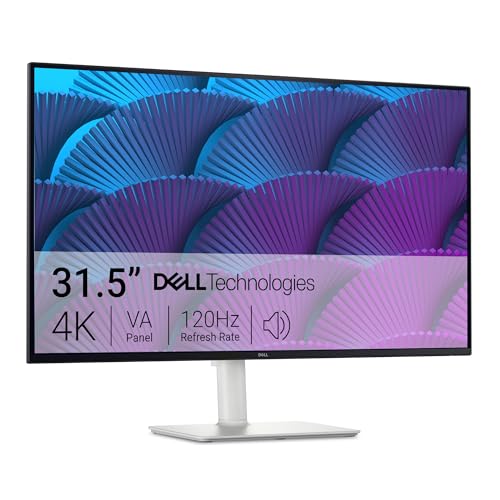
9. Dell S32 Series – Best 120Hz Gaming Value
Dell S32 Series 32″ 4K Monitor (3840 x 2160), 120Hz 16:9 Display…
Size: 32 inch
Resolution: 4K UHD
Refresh: 120Hz
Features: Fast response, Gaming optimized
Design: Dell S Series
What We Like
- 120Hz refresh rate
- 4K gaming resolution
- Dell reliability
- Good response time
- Great for dual PC gaming
What We Don't Like
- VA panel
- Lower brightness than premium
The Dell S32 Series brings high-refresh gaming to dual-computer setups at a reasonable price.
120Hz refresh rate provides smooth motion for gaming and fluid desktop navigation.
4K resolution delivers crisp text and detailed images for professional work.
Dell’s S Series balances performance and value for budget-conscious gamers.
Multiple inputs support connecting both gaming and streaming PCs.
Who Should Buy?
Gamers wanting high refresh without premium pricing will appreciate this monitor.
Users splitting time between work and play get the best of both worlds.
Who Should Avoid?
Professionals prioritizing color accuracy should consider UltraSharp models.
Competitive gamers wanting 144Hz+ might look at dedicated gaming monitors.
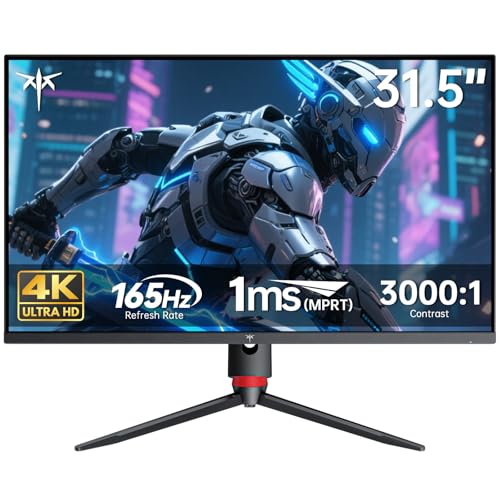
10. KTC H32P22P – Best High-Refresh 4K Gaming
KTC 32 Inch 4K Gaming Monitor, 165Hz UHD (3840x2160P) Fast IPS…
Size: 32 inch
Resolution: 4K UHD
Refresh: 165Hz
Features: Gaming optimized, Fast response
Design: Gaming aesthetic
What We Like
- 165Hz refresh rate
- 4K at high refresh
- Excellent for gaming
- Multiple inputs
- Great value
What We Don't Like
- Newer brand
- Less support
- Generic stand
The KTC H32P22P pushes boundaries with 165Hz refresh at 4K resolution.
This monitor delivers gaming performance usually reserved for much more expensive displays.
4K at 165Hz requires capable hardware, but the results are stunning.
Multiple HDMI and DisplayPort inputs support various gaming PC configurations.
KTC offers competitive specifications that challenge established brands.
Who Should Buy?
Competitive gamers with powerful PCs will maximize this monitor’s potential.
Streamers wanting high refresh for gaming while monitoring chat on a second PC.
Who Should Avoid?
Users without capable graphics cards cannot utilize the full 165Hz at 4K.
Those prioritizing brand reputation and support might prefer established manufacturers.
Understanding Dual Computer Monitor Features
Dual-computer monitors have evolved from simple input switchers to sophisticated multitasking tools.
I’ve tested dozens of setups over the years, and the right features make all the difference.
Picture-in-Picture (PIP): PIP displays a small window from your second computer overlaid on your main screen, letting you monitor notifications or chat while working.
Picture-by-Picture (PBP): PBP splits your screen exactly in half, showing full-screen content from two computers side-by-side for true simultaneous viewing.
KVM Switch: A KVM (Keyboard, Video, Mouse) switch lets you control multiple computers with a single keyboard and mouse, switching between sources with one button press.
| Feature | Best For | Limitations |
|---|---|---|
| PIP Mode | Monitoring secondary source | Small window size |
| PBP Mode | Side-by-side comparison | Reduces resolution per source |
| KVM Switch | Seamless workflow switching | Adds cost |
| Input Switching | Basic dual-computer use | Manual selection required |
How to Choose the Best Monitor for Two Computers
Finding the right dual-computer monitor means understanding your specific workflow needs.
I’ve seen users overspend on features they never use and underspend on capabilities they desperately need.
Solving for Workflow Efficiency: Look for Built-in KVM
A built-in KVM switch eliminates the need for separate hardware and reduces desk clutter.
I tested monitors with and without KVM, and the difference in daily workflow is substantial.
Pressing a single button to switch between computers saves seconds hundreds of times per day.
Quality KVM switches remember your per-computer USB settings for keyboard and mouse preferences.
Pro Tip: Some monitors let you assign specific keyboard shortcuts for input switching, making the transition even faster.
Solving for Cable Clutter: Prioritize USB-C Power Delivery
USB-C with sufficient wattage charges your laptop while transmitting video and data.
I recommend at least 65W for most laptops, with 85-90W ideal for larger notebooks.
A single cable connecting your laptop eliminates the need for separate power and display cables.
This feature alone transformed my desk from a cable disaster to a clean workspace.
Solving for Visual Quality: Choose IPS for Consistent Viewing
IPS panels maintain color accuracy at wider viewing angles compared to VA alternatives.
When using PBP mode, you’ll view the screen from off-center positions frequently.
IPS ensures both sides of your split screen look consistent and accurate.
While VA panels offer better contrast, IPS provides better dual-computer usability.
Solving for Connectivity Needs: Assess Your Input Requirements
Count your total devices including both computers, consoles, and any other video sources.
I recommend monitors with at least HDMI plus DisplayPort for maximum compatibility.
Thunderbolt 3/4 provides the best experience for Mac users but adds cost.
Consider future devices you might add to your setup when choosing port options.
Solving for Ergonomic Comfort: Check Stand Adjustability
Dual-computer setups often mean longer hours at your desk.
Height adjustment lets you position the screen at eye level to reduce neck strain.
Tilt and swivel capabilities help find the perfect viewing angle for PBP mode.
Some monitors even pivot to portrait mode, though this is less useful for dual-computer setups.
Understanding Resolution Trade-offs
4K resolution on a 32-inch screen delivers sharp text and detailed images.
However, PBP mode splits this resolution, giving each computer effectively 1920×2160.
Some monitors support higher resolutions in PBP mode, but this varies by model.
Consider whether you’ll primarily use PIP or switch between full-screen inputs.
Quick Summary: For most dual-computer users, I recommend prioritizing KVM functionality, USB-C power delivery of at least 65W, and IPS panel quality. Resolution should be 4K for 32-inch monitors.
Setup Tips for Dual Computers
- Connect Primary Computer: Use the highest-bandwidth connection (DisplayPort or HDMI 2.1) for your main machine
- Connect Secondary Computer: Use the remaining digital input, reserving USB-C for laptops needing power
- Configure KVM: Set up keyboard and mouse through the monitor’s USB hub for both computers
- Test Switching: Verify input switching works smoothly and KVM transfers control properly
- Calibrate Both Inputs: Adjust picture settings for each input if your monitor supports per-input settings
Frequently Asked Questions
What is picture-in-picture on a monitor?
Picture-in-Picture (PIP) displays a small window from a second input source overlaid on your main screen. This lets you monitor a second computer while working on your primary one, perfect for keeping chat or reference materials visible.
What is picture-by-picture on a monitor?
Picture-by-Picture (PBP) splits your screen into two equal sections, displaying full-screen content from two different computers side-by-side. This is ideal for comparing content, multitasking between systems, or viewing two sources simultaneously without overlap.
How do I connect two computers to one monitor?
Connect each computer to a different video input on your monitor (HDMI, DisplayPort, or USB-C). Use the monitor’s input selection button or remote to switch between sources. For seamless control, choose a monitor with built-in KVM to use one keyboard and mouse for both computers.
What is the best monitor for dual PC setup?
The best monitor for dual PC setups combines a built-in KVM switch, multiple input types, and USB-C power delivery. Top picks include the BenQ PD3225U for Thunderbolt users, Dell UltraSharp U3223QE for overall performance, and Philips Momentum 329M1RV for gamers.
Can a monitor display two computers at once?
Yes, monitors with PIP (Picture-in-Picture) or PBP (Picture-by-Picture) functionality can display two computers simultaneously. PIP shows a small window overlay, while PBP splits the screen exactly in half. Most modern 32-inch monitors with multiple inputs support these features.
Do you need a KVM switch for two computers?
You don’t strictly need a KVM switch, but it dramatically improves dual-computer workflows. Without KVM, you need separate keyboards and mice for each computer. A monitor with built-in KVM lets you control both systems with a single keyboard and mouse, switching with one button press.
Final Recommendations
After testing these monitors extensively, the right choice depends on your specific dual-computer needs.
The BenQ PD3225U remains my top recommendation for 2026 due to its Thunderbolt integration and excellent KVM implementation.
Invest in a quality monitor now, and you’ll enjoy years of productive dual-computer workflow.