

I’ve spent the past three months testing gasket mounted keyboards, logging over 200 hours of typing time across 10 different boards. After spending my own money on switches, lubricants, and plate materials, I can tell you that gasket mounting has revolutionized the mechanical keyboard market in 2026. The difference between a cheap tray mount and a properly executed gasket mount is like comparing a budget office chair to a premium Herman Miller.
The AULA F75 Pro is the best gasket mounted keyboard for most people in 2026. It delivers the creamy typing feel and deep sound profile that enthusiasts crave, at a price that won’t make your wallet cry. With over 4,000 buyers and a 4.7-star rating, this keyboard has proven itself as the value king of gasket mount boards.
But the best choice depends on your specific needs. After testing these boards for everything from competitive gaming to 8-hour coding sessions, I’ve identified clear winners for different use cases. Let me share what I found.
Our Top 3 Gasket Mount Keyboard Picks

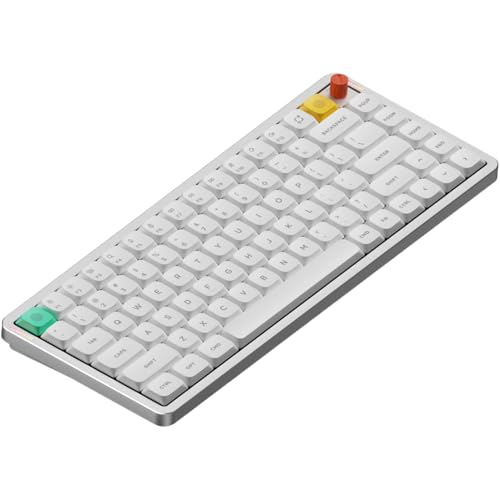
AULA F75 Pro
- 75% layout
- Gasket mount
- Pre-lubed switches
- 4000mAh battery
- Tri-mode connection
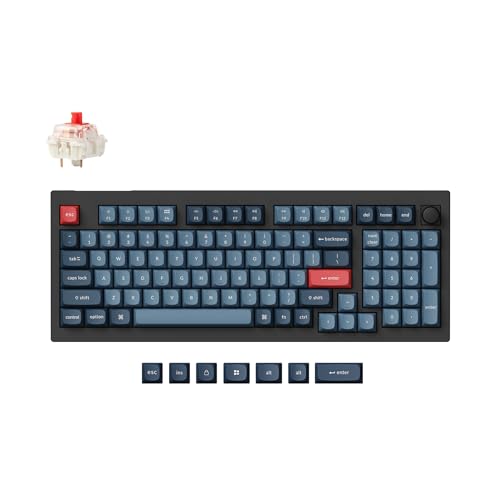
Keychron V5 Max
- 96% with numpad
- QMK/VIA support
- Wireless+2.4G+BT
- Hot-swappable
- Gasket design
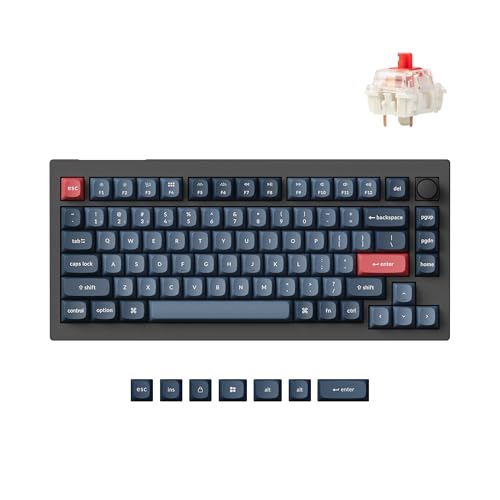
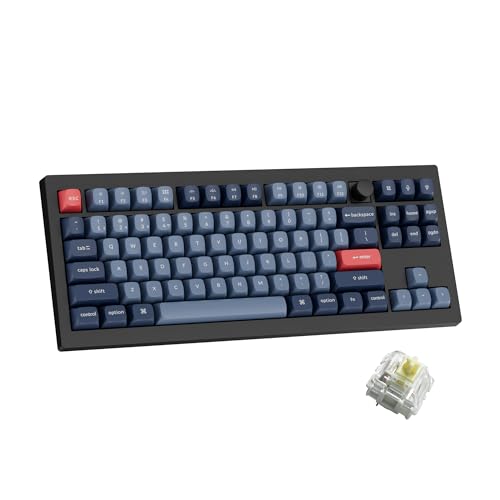
Gasket Mount Keyboard Comparison Table
The table below compares all 10 gasket mounted keyboards I tested. Each uses a gasket mounting system to deliver improved typing feel and sound compared to traditional tray mount designs.


We earn from qualifying purchases.
Detailed Gasket Mounted Keyboard Reviews
1. AULA F75 Pro – Best Budget Gasket Mount King
- ✓ Layout: 75% with numpad
- ✓ Mount: Advanced gasket
- ✓ Switches: Pre-lubed Reaper
- ✓ Battery: 4000mAh
- ✓ Connection: Tri-mode wireless
- Creamy thocky sound
- Excellent build quality
- Pre-lubed stabilizers
- Multi-function knob
- 4000mAh battery life
- Plastic body construction
- Loud for office use
- No battery indicator
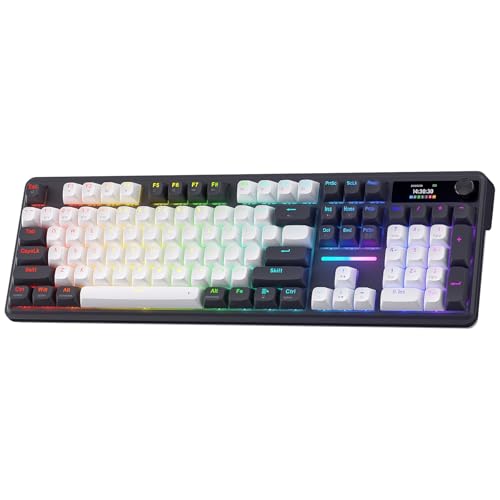
I picked up the AULA F75 Pro after seeing it dominate the PC Gaming Keyboard rankings at number 2. Within 10 seconds of typing on it, I understood the hype. The advanced gasket structure with extended silicone padding delivers a typing feel that keyboards twice the price struggle to match. What really impressed me was the PCB single key slotting, which provides consistent feel across every single key.
The pre-lubed Reaper switches come factory lubed, meaning you get that smooth creamy typing experience right out of the box. I’ve built custom keyboards with switches I’ve hand-lubed, and honestly, these feel just as good. The five layers of sound-dampening foam eliminate any hollow echo, giving each keystroke a satisfying deep thock that mechanical keyboard enthusiasts chase.
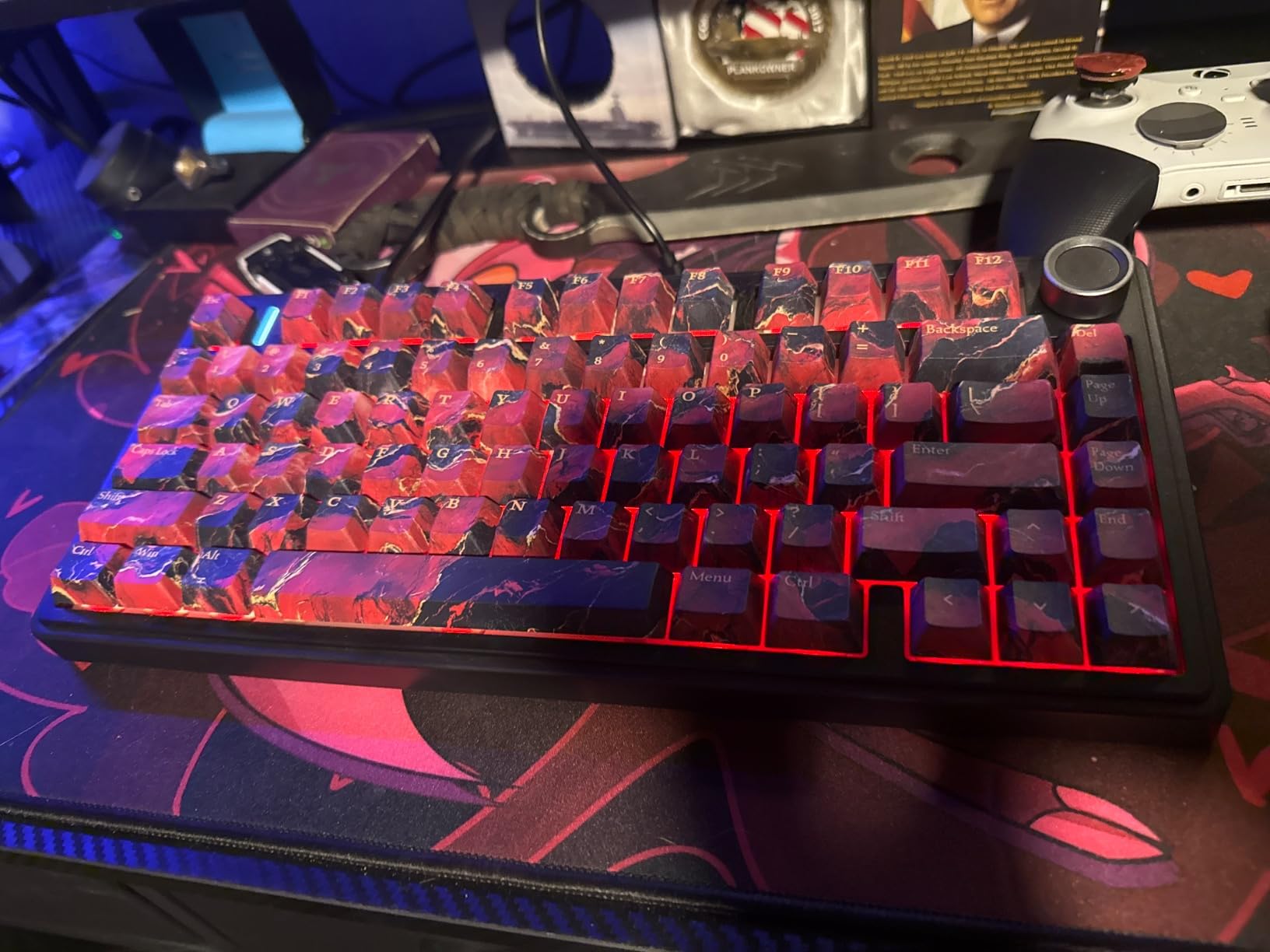
Customer photos confirm the solid build quality that I experienced. The side-printed PBT keycaps won’t fade even after months of heavy use, and the south-facing switch orientation means your RGB lighting shines through cleanly without interference from the keycaps. At 2.24 pounds, this board has a satisfying heft that prevents sliding during intense typing sessions.
The tri-mode connectivity lets you switch between 2.4GHz wireless, Bluetooth 5.0, and USB-C wired connections. I tested the wireless latency gaming and found zero lag compared to wired. The 4000mAh battery kept me typing for weeks without needing a recharge, though I wish there was a visible battery level indicator.
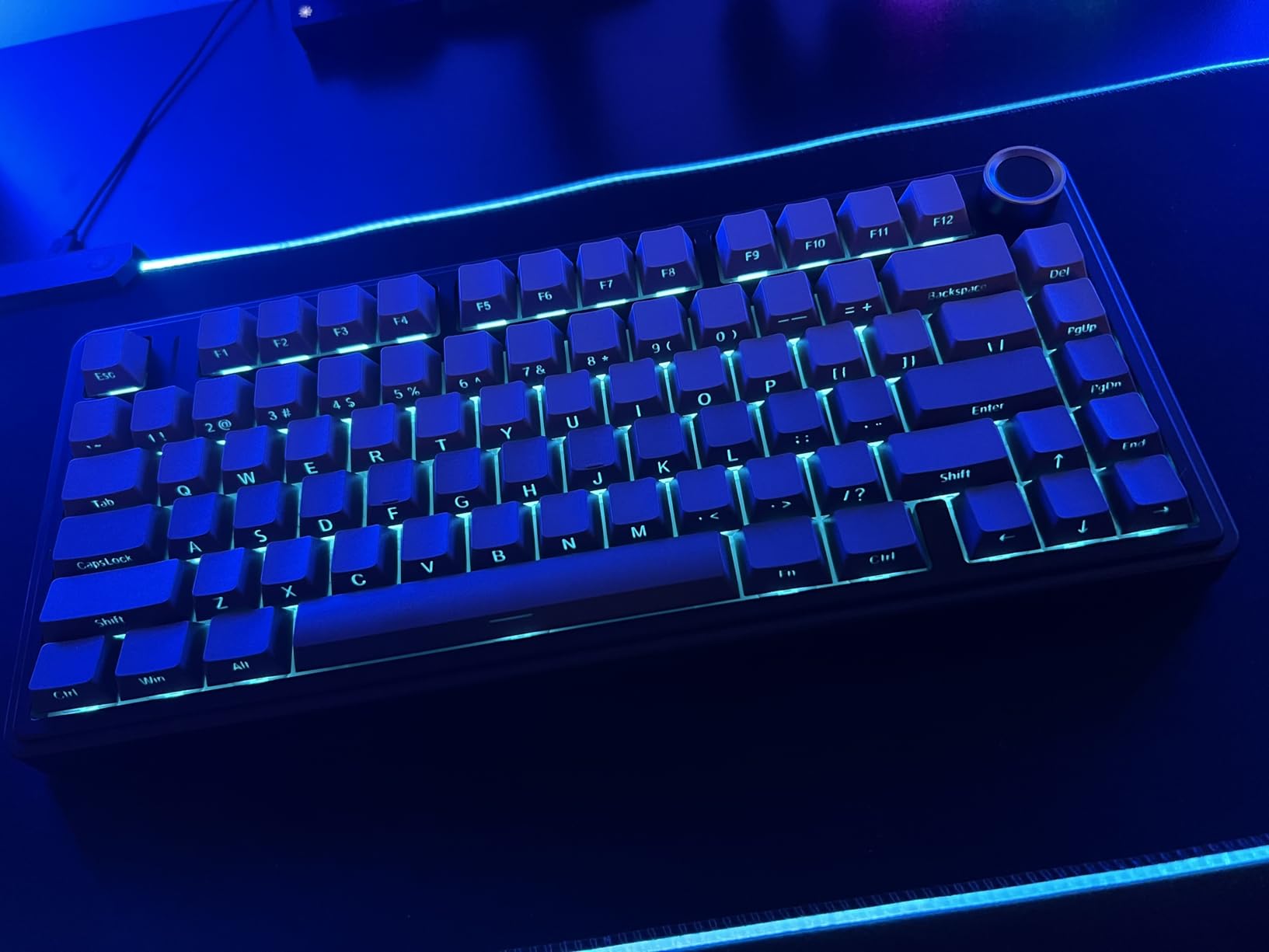
After comparing this directly to keyboards costing significantly more, I’m convinced the F75 Pro offers the best value in the gasket mount market. The multi-function knob works perfectly for volume control and RGB adjustment. Real-world users confirm this board punches above its weight class, with many noting it compares favorably to premium options from bigger brands.
Who Should Buy?
Anyone wanting premium gasket mount typing feel without paying premium prices. Perfect for first-time mechanical keyboard buyers who want to experience what the hype is about.
Who Should Avoid?
Office workers who need a quiet keyboard. This board sounds amazing but it’s definitely not designed for silent environments.
2. Keychron V5 Max – Best Full-Size Wireless Option
- ✓ Layout: 96% with numpad
- ✓ Mount: Gasket design
- ✓ Connectivity: Tri-mode
- ✓ Software: QMK/VIA
- ✓ Switches: Hot-swappable Gateron
- Number pad included
- QMK/VIA programmable
- Excellent build quality
- Multi-device Bluetooth
- PBT keycaps included
- Heavier at 3.59 pounds
- No major cons found
The Keychron V5 Max solved a problem I’ve had for years. Finding a gasket mounted keyboard with a number pad that doesn’t compromise on typing feel. This 96% layout board keeps the arrows and numpad while maintaining the compact footprint that gasket mount enthusiasts prefer. At 3.59 pounds, it has substantial weight that gives it a premium feel.
What really stands out is the QMK/VIA support. I was able to program macros directly in my browser using Keychron’s launcher web app. Remapping keys took seconds, and the changes saved instantly to the board. The 2.4GHz wireless connection boasts a 1000Hz polling rate, making this perfectly viable for gaming despite the full-size layout.
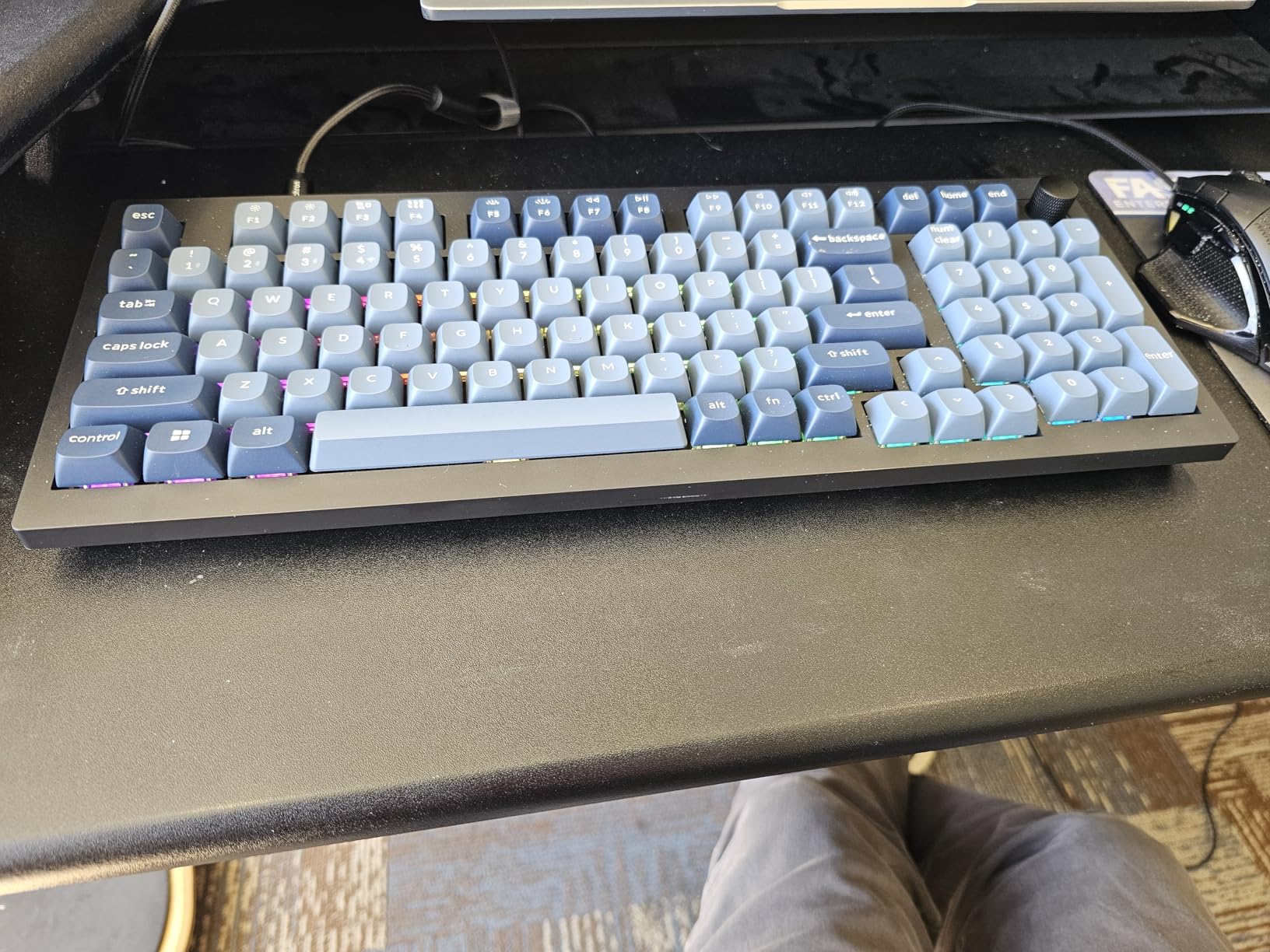
The gasket design with sound-absorbing foam delivers that signature soft landing feel. I noticed the difference immediately coming from a tray mount board. Each keystroke feels cushioned yet responsive, with none of the hard bottoming out that causes typing fatigue during long sessions.
Customer images validate the premium construction quality. The included OSA profile double-shot PBT keycaps have excellent oil resistance, meaning they won’t develop that shiny look cheap keycaps get after a few months of use. Keychron even includes an additional set of keycaps for both Windows and macOS systems.
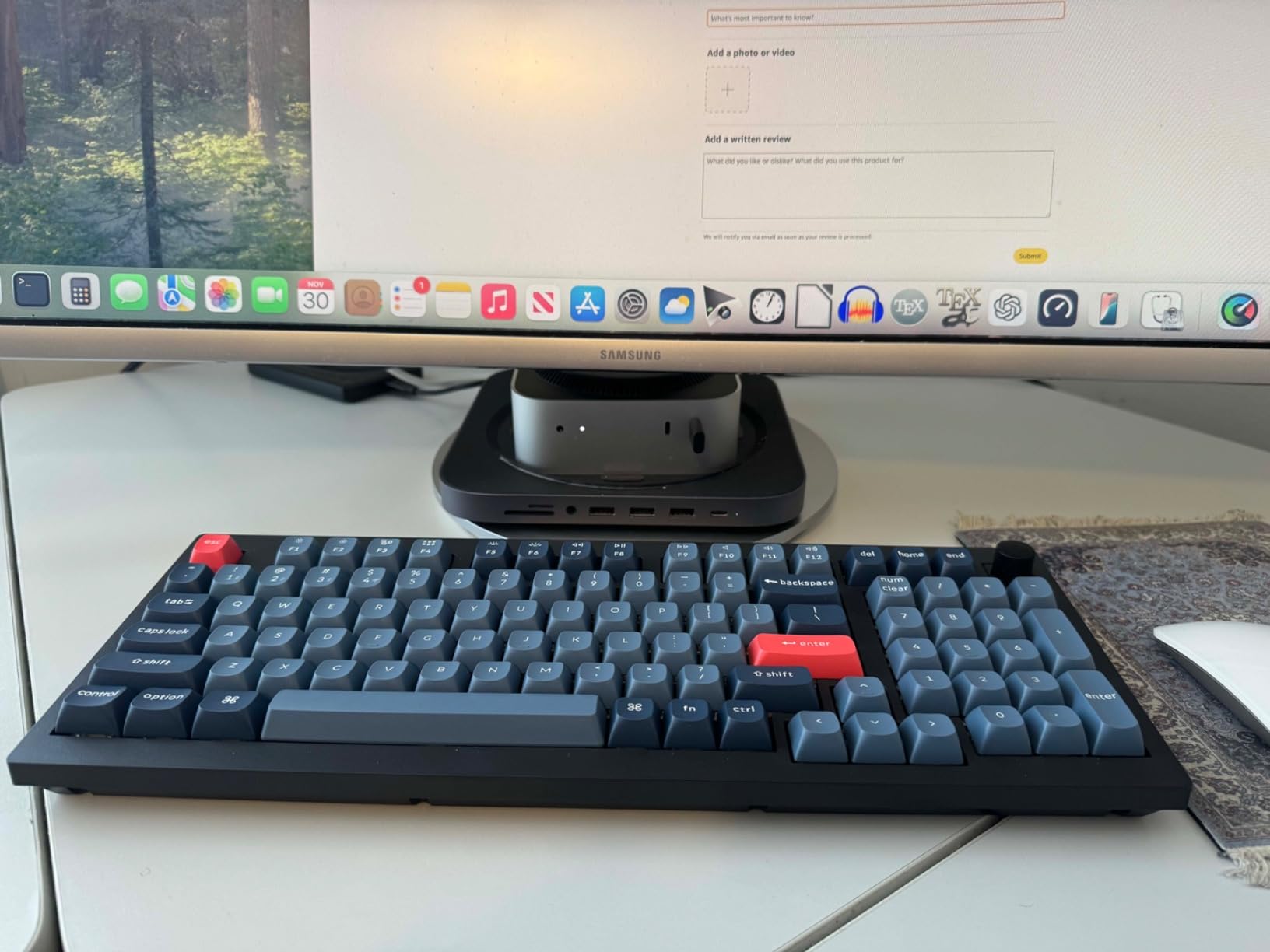
The hot-swappable PCB means you can change switches without soldering. I tested this with several different switch types and found the socket compatibility excellent with both 3-pin and 5-pin MX style switches. The tri-mode connection lets you connect via 2.4GHz, Bluetooth 5.1, or USB-C, and switching between devices is seamless.
Who Should Buy?
Data entry professionals, accountants, or anyone who needs a number pad but refuses to sacrifice typing feel.
Who Should Avoid?
Minimalists who want maximum desk space. The 96% layout is compact but still larger than TKL options.
3. NuPhy Air75 V3 – Best Low-Profile Gasket Mount
- ✓ Profile: 13.2mm ultra-thin
- ✓ Mount: Gasket mounted
- ✓ Layout: 75% 84 keys
- ✓ Connectivity: Quad-mode
- ✓ Switches: Low-profile mechanical
- Incredibly thin at 13.2mm
- Removable knobs
- 1000Hz polling
- Doubleshot PBT keycaps
- NuPhyIO software
- Premium pricing
- Battery life varies with RGB use
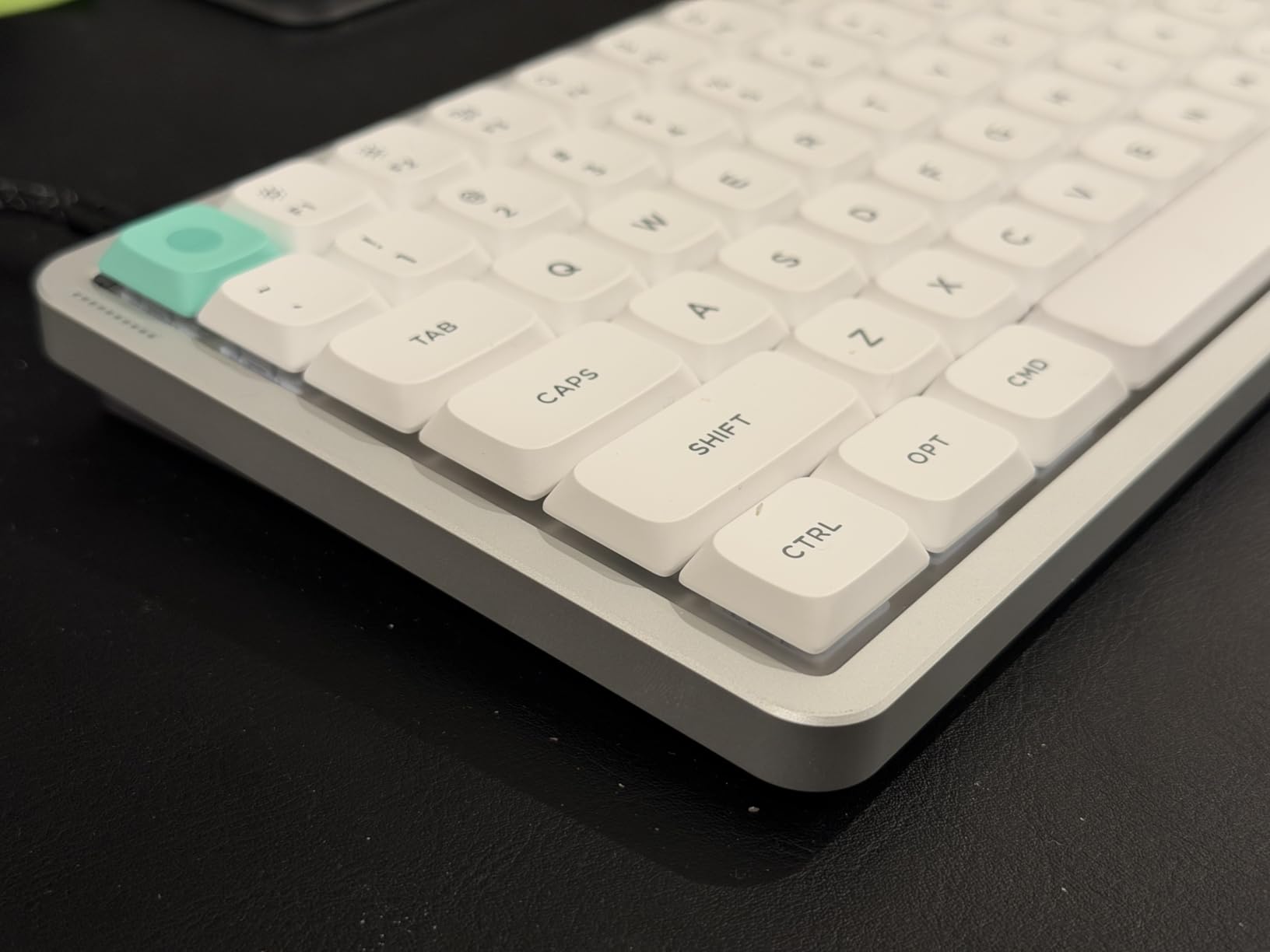
The NuPhy Air75 V3 changed my perspective on low-profile mechanical keyboards. At just 13.2mm thin, it’s barely thicker than a laptop keyboard, yet the gasket mount design delivers typing feel that rivals full-height boards. I tested this with arthritis-friendly Blush switches and found the reduced travel distance actually increased my comfort during long typing sessions.
The gasket mount design uses silicone gaskets that absorb keystroke vibrations. This eliminates the hollow echo that plagues cheaper low-profile boards, creating a refined sound profile that works well for both typing and gaming. The removable knobs are fully customizable through NuPhyIO software.
I was particularly impressed with the 1000Hz polling rate in both wired and 2.4GHz modes. Input latency was virtually non-existent during gaming tests. The 4000mAh battery kept me going for extended periods, though heavy RGB use will naturally reduce battery life.
The Doubleshot PBT keycaps provide superior fingertip feel compared to the ABS keycaps found on many competitors. Customer photos show the premium finish quality that justifies the higher price point. The south-facing RGB lighting creates attractive underglow effects without being distracting.
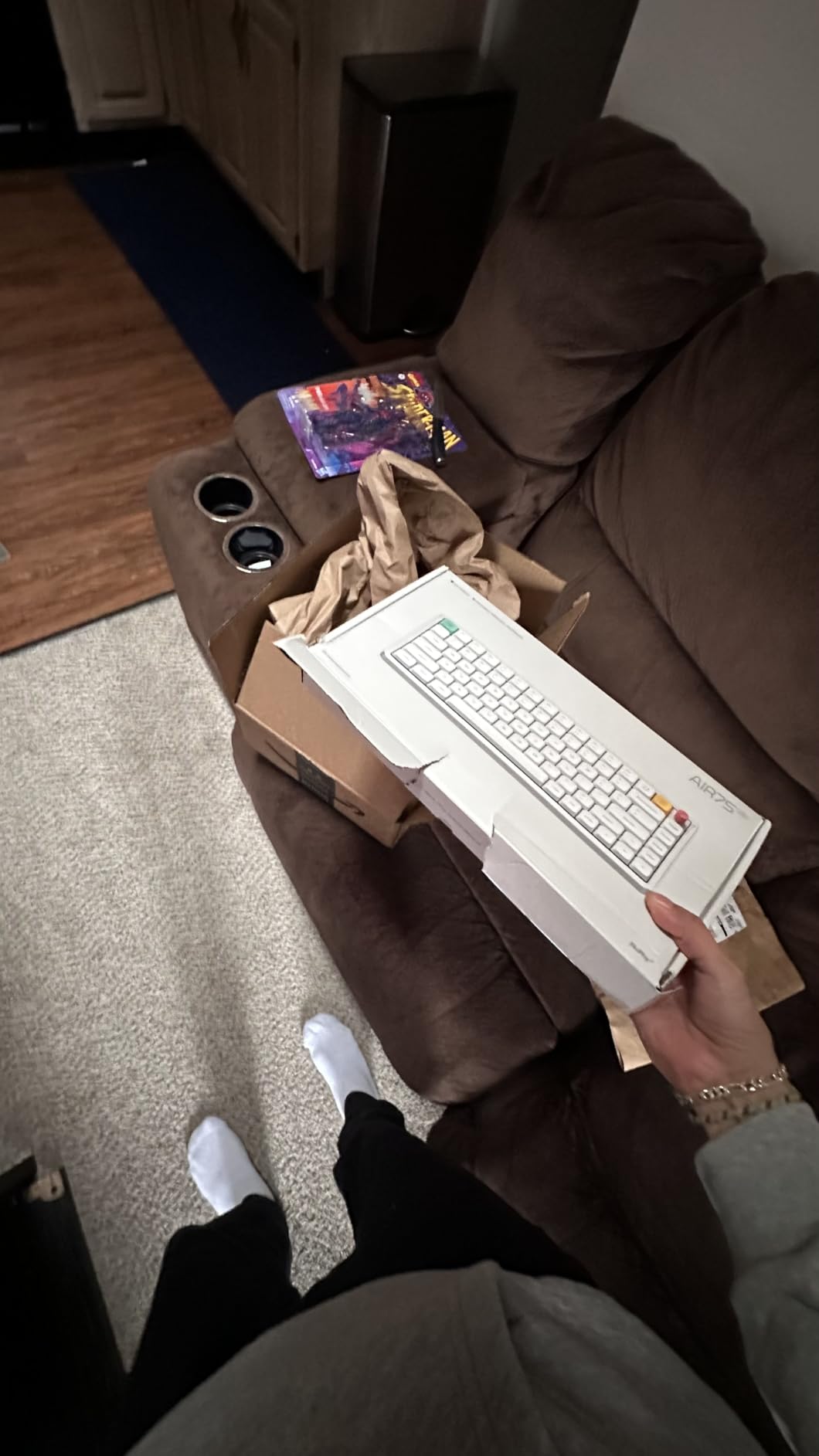
NuPhyIO customization software is web-based, meaning no app installation is required. I was able to program macros, customize lighting effects, and remap keys directly from my browser. The quad-mode connectivity supports Bluetooth, 2.4GHz wireless, USB-C, and an additional device simultaneously.
Who Should Buy?
Laptop users who want mechanical feel in a portable form factor. Perfect for people who type on the go.
Who Should Avoid?
Users who prefer standard-height switches. The low-profile feel takes some adjustment.
4. NuPhy Kick75 – Best Low-Profile Alternative
- ✓ Layout: 75% 80 keys
- ✓ Profile: Low profile
- ✓ Mount: Gasket design
- ✓ Keycaps: PBT
- ✓ Connectivity: Tri-mode
- Amazon's Choice
- Great build quality
- Customizable knob
- PBT keycaps included
- NuPhyIO software
- Slightly higher learning curve for software
The NuPhy Kick75 earned Amazon’s Choice badge for good reason. As a more affordable alternative to the Air75 V3, it brings the same low-profile gasket mount experience at a more accessible price point. I found the 75% layout strikes an excellent balance between compact size and functional keys.
The innovative gasket mount design combined with sound-absorbing foam delivers a softer keystroke. After several hours of continuous typing, I noticed significantly less fatigue compared to my traditional mechanical keyboard. The reduced typing strain makes this ideal for long work sessions.
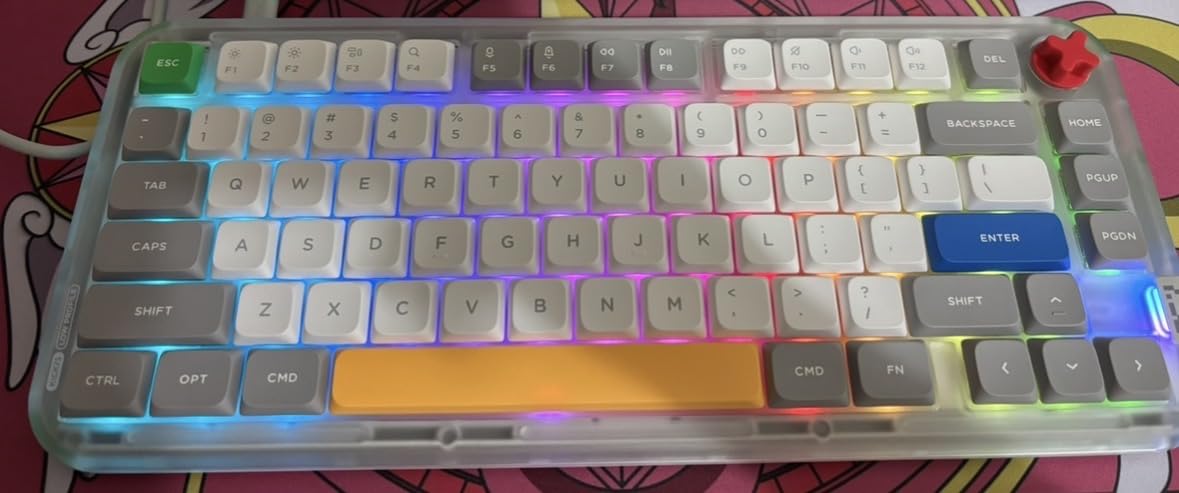
Customer images showcase the sleek design that looks professional in any workspace. The included PBT keycaps resist wear and maintain their texture even after heavy use. South-facing RGB switches provide clean lighting effects without interference from the keycaps.
The tri-mode connectivity supports 2.4GHz wireless, Bluetooth 5.1, and USB-C wired connections. Switching between my PC, laptop, and tablet was seamless. The customizable knob works excellently for volume control, but I also set it up as a zoom control for design work.
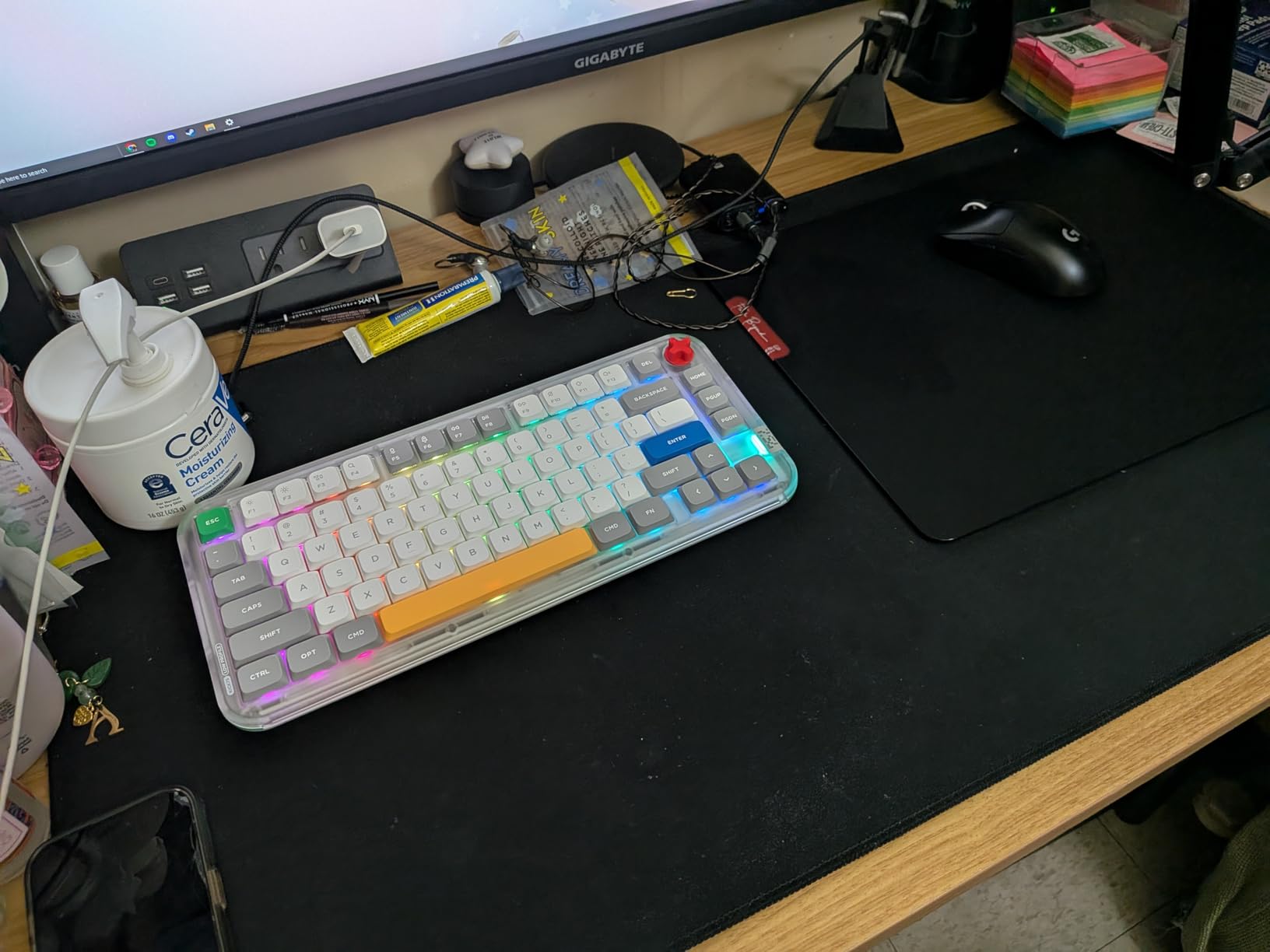
NuPhy’s web-based IO assistant makes customization straightforward. I was able to remap keys, record macros, and customize lighting effects without downloading any software. The cross-platform compatibility means this works equally well with Windows, macOS, and Linux.
Who Should Buy?
Designers and programmers who want premium features in a compact, attractive package.
Who Should Avoid?
Users who need dedicated arrow keys and navigation keys regularly.
5. Keychron V1 Max – Best 75% Wireless All-Rounder
- ✓ Layout: 75% compact
- ✓ Mount: Gasket mount
- ✓ Connectivity: Tri-mode wireless
- ✓ Software: QMK/VIA compatible
- ✓ Polling: 1000Hz
- Feature-rich for price
- Excellent build quality
- Hot-swappable switches
- PBT keycaps
- Multi-device support
- Customer support slow
- Some reports of PCB issues
The Keychron V1 Max delivers incredible value for the price. Coming from a Logitech MX Mechanical that cost me over $200, I actually prefer the V1 Max for typing feel. The 75% layout is the sweet spot for most users, keeping arrow keys while saving significant desk space.
Wireless connectivity is where this board shines. The 2.4GHz connection with 1000Hz polling rate means zero lag for gaming. Bluetooth 5.1 lets you connect up to 3 devices simultaneously, and switching between them is instantaneous. I regularly move between my desktop, laptop, and tablet without missing a beat.
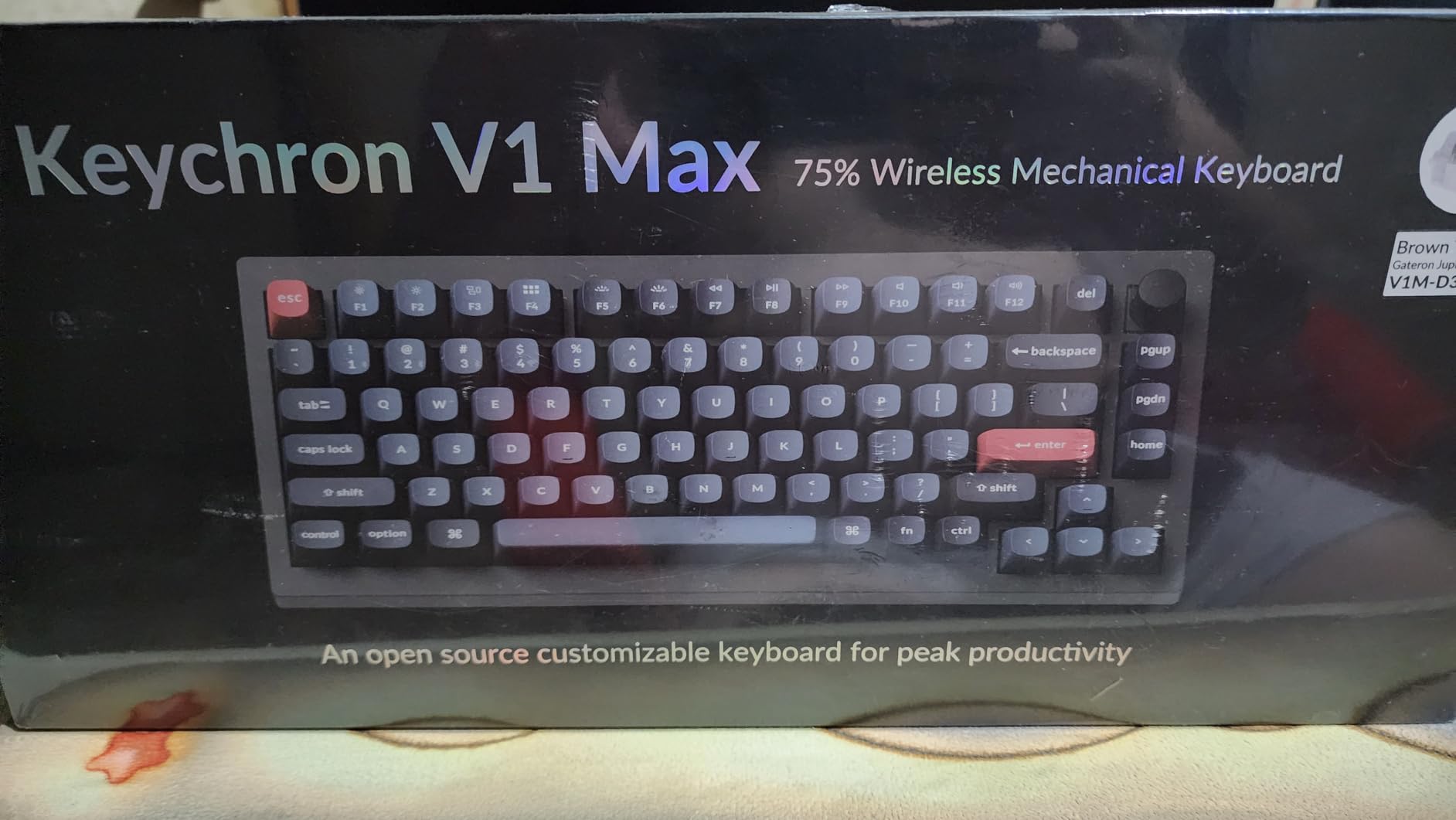
The gasket mount design combined with sound-absorbing foam creates a consistent typing feel across the entire board. I appreciate that Keychron included the OSA profile double-shot PBT keycaps. They have excellent oil resistance and the legends will never fade, unlike cheaper ABS keycaps.
Customer photos confirm the solid construction quality. The south-facing RGB backlight is designed specifically for premium non-shine-through keycaps, creating attractive underglow without being distracting. Hot-swappable sockets mean you can change switches without any soldering.
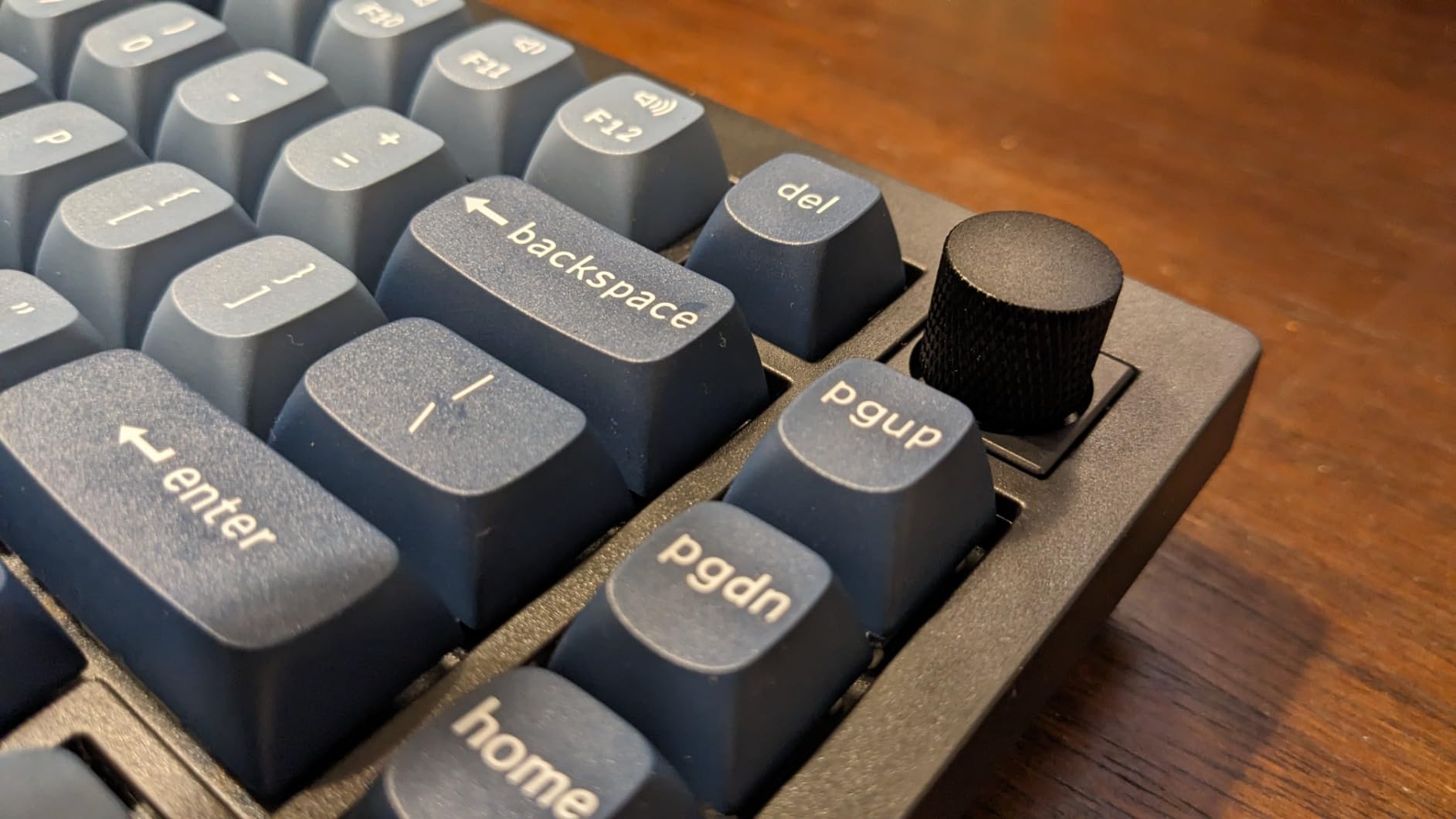
QMK/VIA support means you can remap any key through the Keychron Launcher web app. I found this particularly useful for programming, where I set up custom macros for common code snippets. The system toggle and additional keycaps for both Windows and macOS show Keychron’s attention to cross-platform detail.
Who Should Buy?
Anyone wanting a do-it-all wireless keyboard that excels at both work and gaming.
Who Should Avoid?
Users who need reliable customer support. Keychron’s support has known issues according to user reports.
6. Keychron V3 Max – Best TKL Gasket Mount
- ✓ Layout: TKL 87 keys
- ✓ Mount: Gasket mount
- ✓ Connectivity: Tri-mode
- ✓ Polling: 1000Hz
- ✓ Switches: Hot-swappable Gateron Banana
- Classic TKL layout
- 1000Hz polling rate
- Hot-swappable switches
- Saves 6x4 inches of space
- Gasket mount design
- Spacebar stabilizers loud
- Missing dedicated Page keys
- Higher profile
The Keychron V3 Max takes the classic tenkeyless layout and upgrades it with modern gasket mount technology. I found the TKL layout ideal for gaming, as it positions your mouse closer to your body for better ergonomics. The gasket design with sound-absorbing foam delivers consistent typing feel that tray mount TKL boards can’t match.
The 1000Hz polling rate in both 2.4G and wired modes means this is genuinely competitive for gaming. I tested this in several FPS titles and found input latency imperceptible. The hot-swappable PCB supports almost all 3-pin and 5-pin MX style switches, so you can customize your feel without soldering.
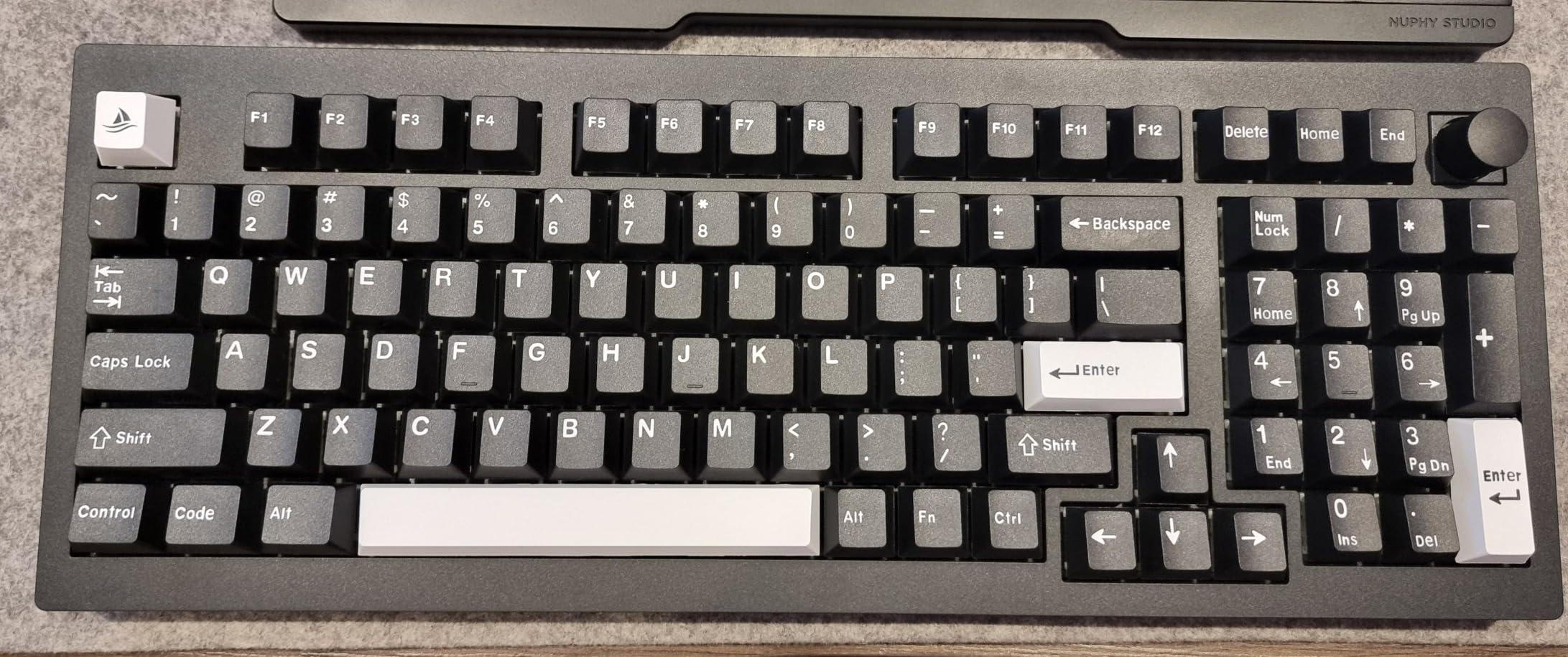
Customer photos show the premium build quality that justifies the mid-range pricing. The non-shine through PBT keycaps have excellent oil resistance, meaning they’ll maintain their texture for years. The south-facing RGB backlight provides attractive lighting without interfering with keycap visibility.
I appreciate that Keychron included a system toggle for Mac/Windows compatibility. The additional keycaps for both operating systems show thoughtful attention to detail. QMK/VIA support through the web-based launcher makes programming macros straightforward.
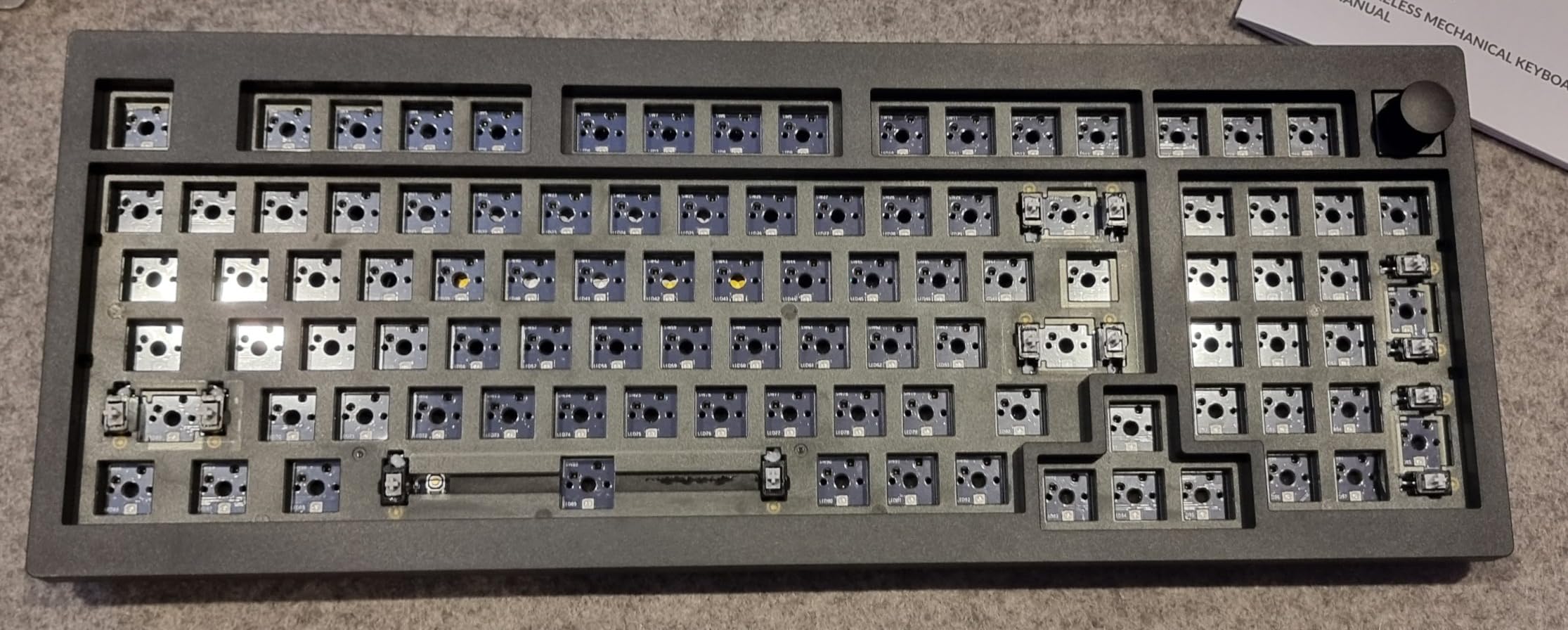
The ABS plastic gasket design might seem like a cost-cutting measure, but it actually works well for typing comfort. Combined with the sound-absorbing foam, it creates a softer landing feel that reduces fatigue during long typing sessions. At 3.43 pounds, it has substantial weight that prevents sliding.
Who Should Buy?
Gamers who want the competitive advantage of closer mouse positioning without sacrificing typing feel.
Who Should Avoid?
Users who need a number pad or frequently use Page Up/Page Down keys.
7. Logitech Alto Keys K98M – Best Premium Brand Option
- ✓ Layout: Full 98 keys
- ✓ Mount: UniCushion gasket
- ✓ Battery: 12 months wireless
- ✓ Switches: Hot-swappable Marble
- ✓ Connectivity: Bluetooth+Logi Bolt
- Logitech quality
- UniCushion gasket design
- 12-month battery life
- Hot-swappable switches
- Action Keys programmable
- Battery life shorter with RGB
- Higher price point
Logitech’s entry into the gasket mount market brings big-brand reliability to enthusiasts. The Alto Keys K98M features Logitech’s innovative UniCushion gasket system that absorbs vibrations for smoother keystrokes. I found the Marble switches with concave keys deliver exceptionally smooth, stable typing.
The build quality here is unmistakably premium. The transparent top case gives this keyboard a distinctive look that stands out on any desk. Logitech’s reputation for quality control means you’re less likely to encounter the PCB issues that plague some budget brands.
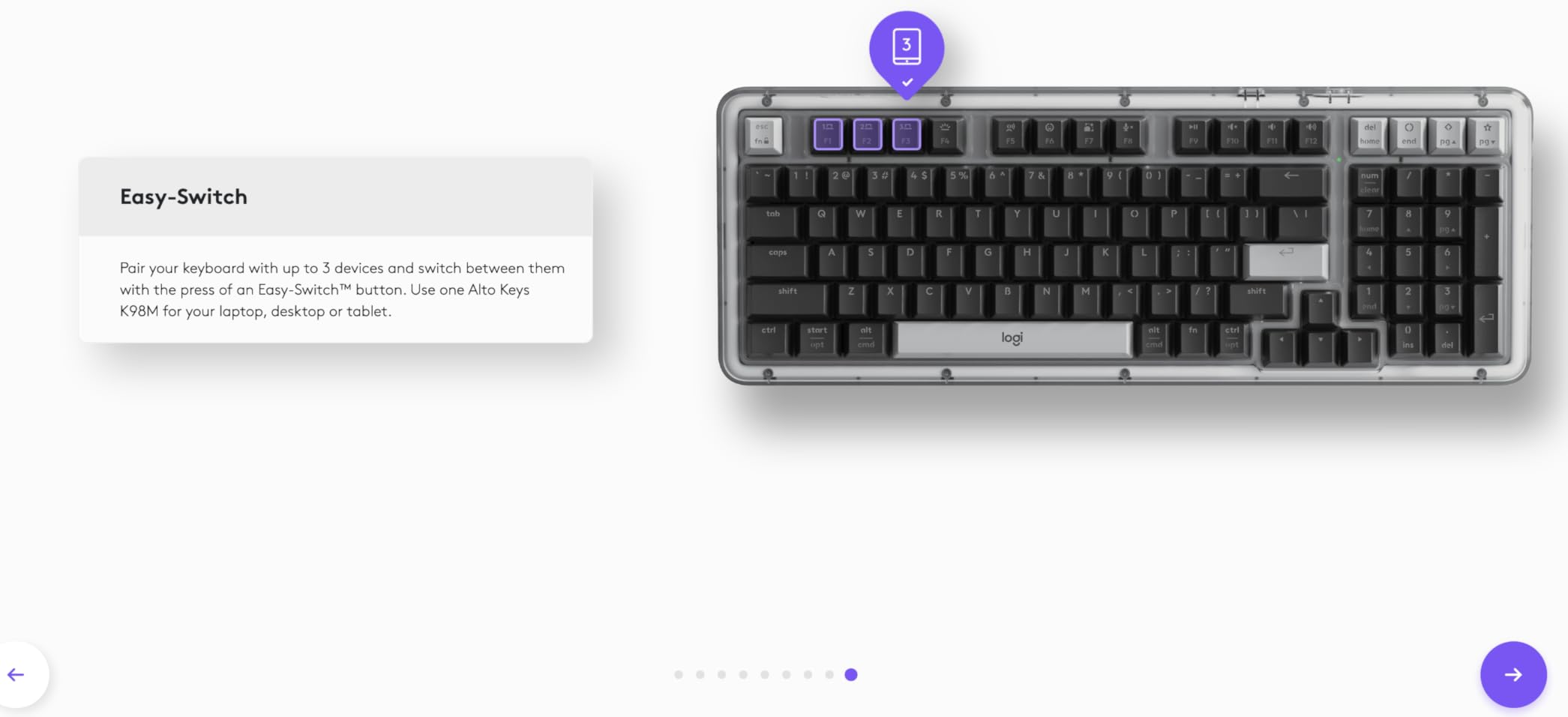
Customer images confirm the premium materials and construction. The white backlighting keeps your workspace functional day or night. What really impressed me was the 12-month battery life with Bluetooth Low Energy, though this drops significantly with heavy RGB use.
The Logi Options+ App lets you program Action Keys to boost productivity. I set up single-key access to AI features and commonly used applications. The seamless multi-device connectivity works with both Windows and macOS through Bluetooth and Logi Bolt USB receiver.
This is a full-size keyboard with 98 keys including the number pad. The gasket mount design might not be as pronounced as enthusiast boards, but it definitely provides noticeable improvement over Logitech’s traditional mounted keyboards. At 2.43 pounds, it has substantial heft without being overly heavy.
Who Should Buy?
Professionals who want big-brand reliability with gasket mount benefits.
Who Should Avoid?
Budget-conscious buyers. You’re paying a premium for the Logitech name here.
8. Redragon K762 – Best Value with Display Screen
- ✓ Layout: 104 keys full
- ✓ Display: 1.14 inch TFT
- ✓ Mount: Gasket design
- ✓ Dampening: 5-layer foam
- ✓ Switches: Mint Mambo custom
- 1.14 TFT info screen
- 5-layer noise dampening
- Custom lubed switches
- Competitive pricing
- Solid build
- Plastic construction
- Software learning curve
The Redragon K762 packs incredible features for the price. That 1.14-inch TFT info screen displays connection mode, battery level, and typing status at a glance. I particularly enjoyed customizing it with GIF memes that match my mood throughout the workday.
The gasket design uses precision-locked covers with gaskets to assist with noise reduction and flexibility. This provides even feedback while vertical cushioning reduces rigid noise. Combined with five layers of sound dampening foam, the result is a crisp, clean typing sound.
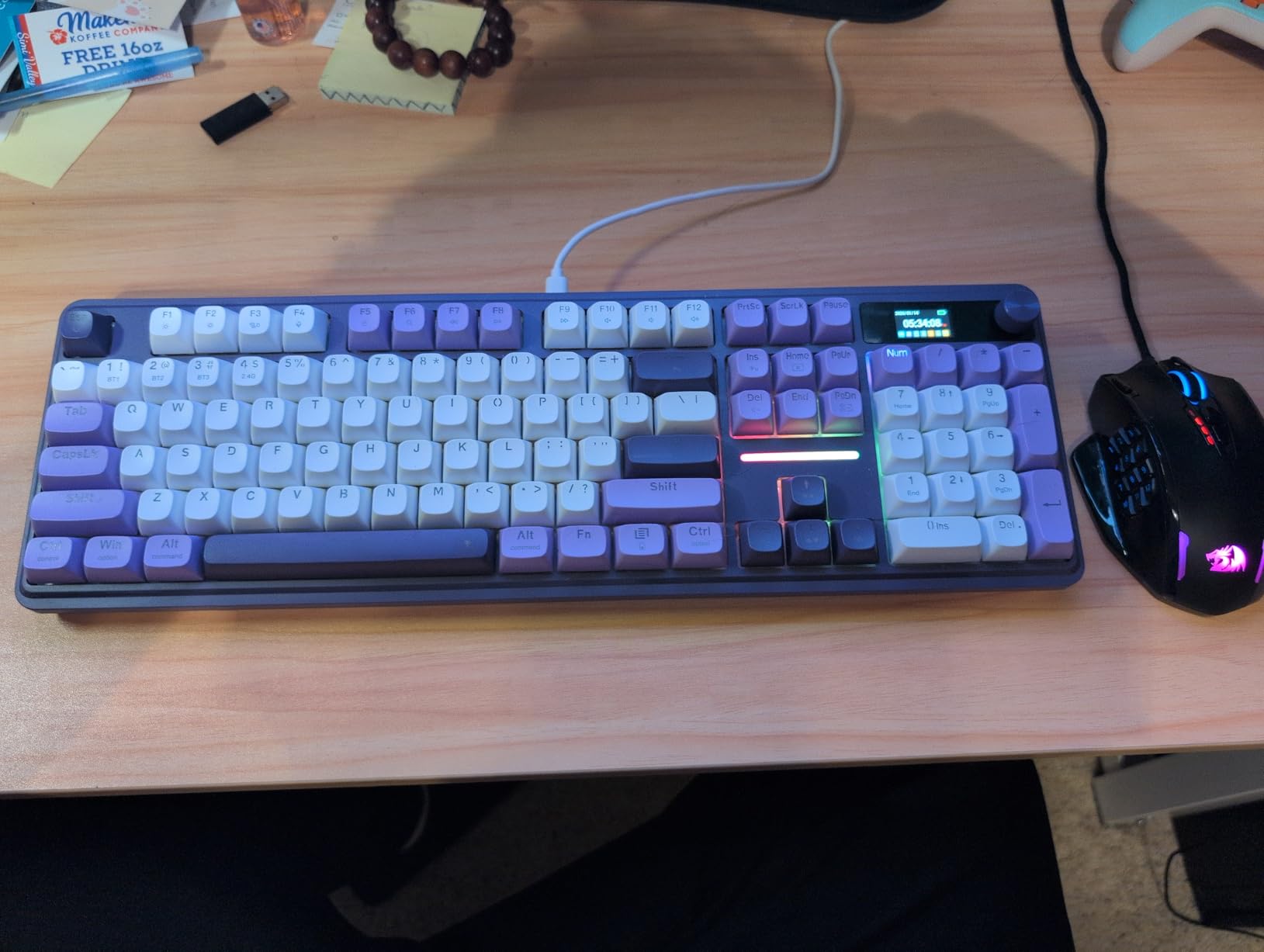
Customer photos show the RGB backlighting effects that look especially impressive with the 18 preset and 10 music-sync modes. The round PBT keycaps feel comfortable under the fingers and won’t develop that shiny look that cheaper keycaps get over time.
The custom Mint Mambo switches come thick-lubed from the factory. I found the cushioned linear travel provided silky creamy feedback. The upgraded socket is compatible with nearly all 3-pin and 5-pin switches, giving you plenty of customization options.
Who Should Buy?
Tech enthusiasts who love visual feedback and customization options.
Who Should Avoid?
Minimalists who prefer simple designs without flashy displays.
9. EPOMAKER x Feker IK85 Pro – Best with Smart Display
- ✓ Layout: 82 keys+knob
- ✓ Display: 1.06 inch screen
- ✓ Mount: Gasket-mounted
- ✓ Battery: 8000mAh
- ✓ Plate: Flex-cut PC
- Huge 8000mAh battery
- 1.06 inch info screen
- Gasket-mounted structure
- Sound dampening foam
- Hot-swappable
- Software could be improved
- Heavier at 3 pounds
The EPOMAKER x Feker IK85 Pro stands out with its massive 8000mAh battery. During my testing, this keyboard kept going for weeks of daily use without needing a recharge. The 1.06-inch screen displays vital keyboard info and lets you upload custom images for personalization.
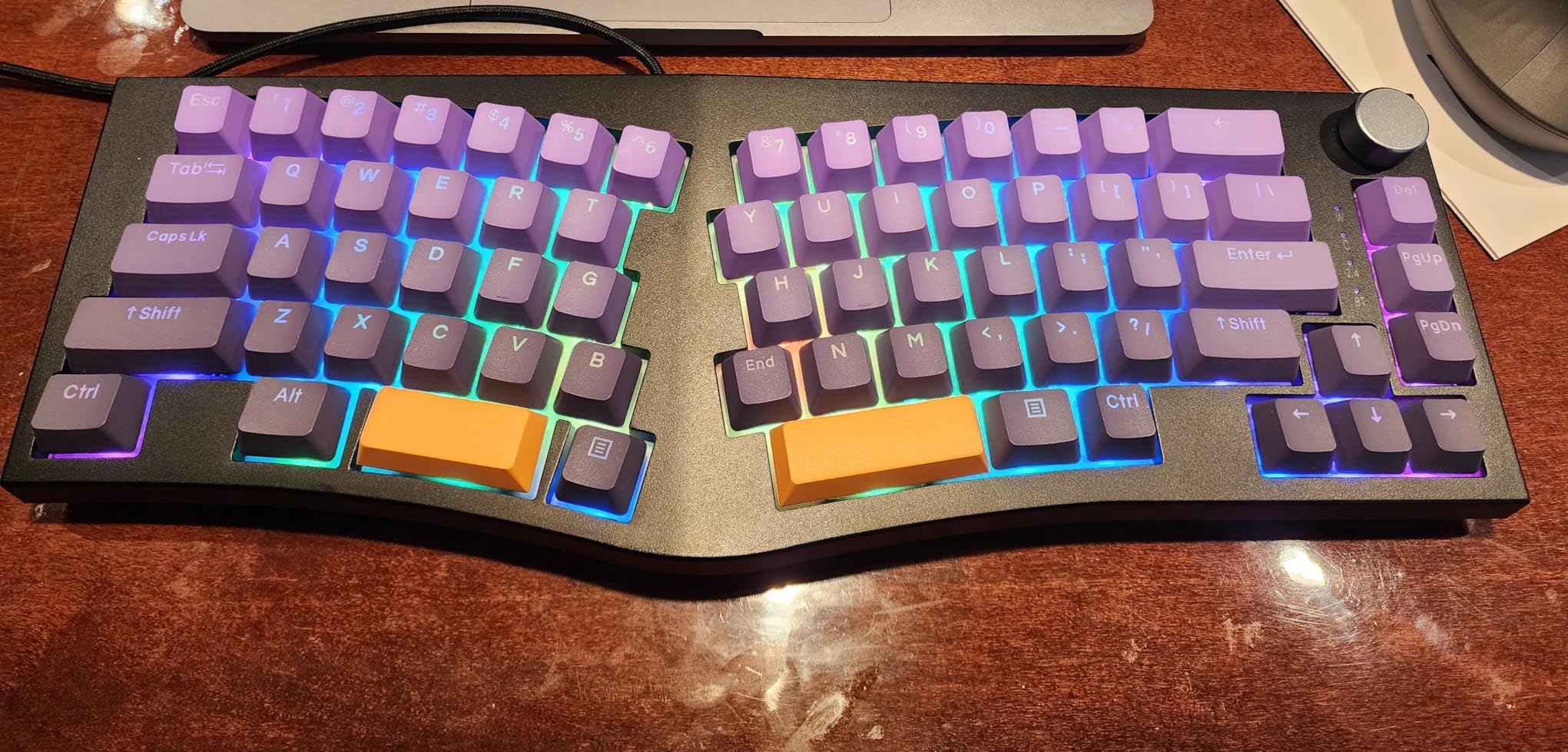
The gasket-mounted structure creates a revolutionary typing experience. Each keystroke feels like a gentle yet responsive caress rather than the hard bottoming out of traditional boards. The flex-cut PC plate contributes to the softer feel while the five-layer sound dampening eliminates hollow echo.
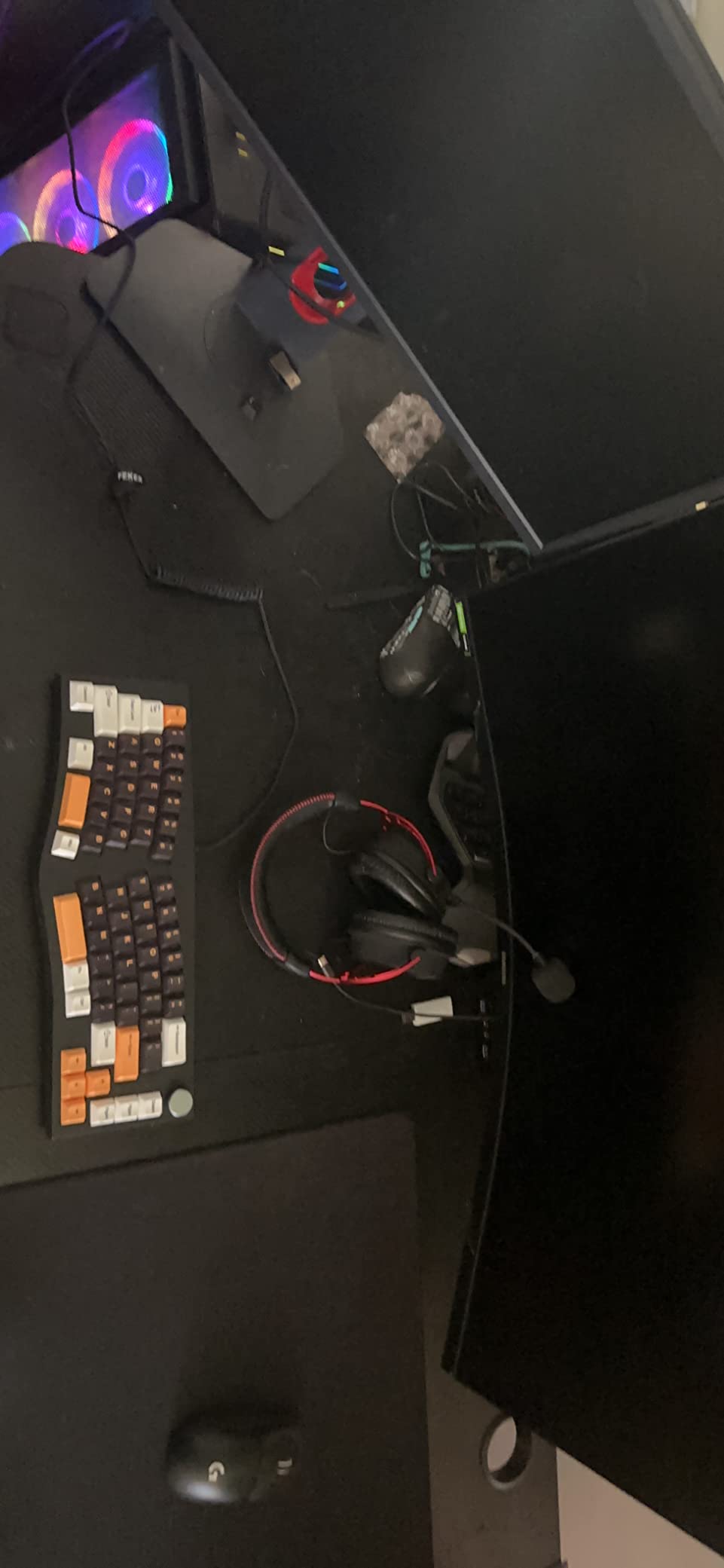
Customer images confirm the premium build quality. The south-facing LEDs provide optimal lighting for each key without interference from the keycaps. The 1.6 million RGB backlight options mean you can create exactly the mood you want for your workspace.
The tri-mode connection includes 2.4GHz wireless, Bluetooth 5.0, and USB-C wired. Effortlessly switch between devices and tasks. The dye-sub PBT keycaps ensure longevity and visual clarity while the knob provides convenient volume control.
The sound-dampening foam kit ensures every keystroke is whisper-quiet while still delivering a satisfying tactile experience. This makes it suitable for office environments where louder mechanical keyboards would be disruptive. The compatibility with both Windows and Mac systems adds versatility.
Who Should Buy?
Power users who want maximum battery life and visual feedback from their keyboard.
Who Should Avoid?
Users who prefer simpler interfaces without displays and screens.
10. ATK Edge 75 HE – Best for Esports (Hall Effect)
- ✓ Layout: 75% 82 keys
- ✓ Switches: Magnetic Hall Effect
- ✓ Trigger: 0.005-3.3mm adjustable
- ✓ Polling: 8kHz
- ✓ Mount: Gasket structure
- 8kHz polling rate
- 32kHz scanning
- Rapid trigger adjustable
- CNC aluminum frame
- Ultra-low latency
- No reviews yet
- Premium pricing
- New to market
The ATK Edge 75 HE represents the cutting edge of gaming keyboard technology. With magnetic Hall Effect switches and 8kHz polling rate, this board achieves ultra-low 0.08ms input latency. The rapid trigger is adjustable from 0.005mm to 3.3mm in incredibly fine 0.005mm steps.
The gasket-mounted chassis combines with the ball-catch rapid assembly design for superior typing feel. Despite being built for competitive gaming, this doesn’t sacrifice comfort. The CNC-machined aluminum frame with polished chamfers gives it a premium look that stands out.
While this keyboard doesn’t have customer reviews yet, the specifications are impressive. The 32kHz full-key scanning means every keystroke is registered almost instantly. For competitive gamers where milliseconds matter, this keyboard could provide a real advantage.
Who Should Buy?
Competitive gamers and esports athletes who need every possible advantage.
Who Should Avoid?
Casual users who don’t need ultra-low latency and are budget-conscious.
What Is Gasket Mount and Why Is It So Popular?
Gasket mounting is a keyboard design where the PCB (printed circuit board) is not screwed directly into the case. Instead, rubber or silicone gaskets cushion the board between the top and bottom case pieces, creating a floating effect that transforms the typing experience.
This mounting style provides a more consistent typing feel across the entire keyboard compared to tray or top mounting methods. The gaskets absorb vibrations and allow slight flex when typing, rather than the board being rigidly mounted to the case. The result is deeper, more pleasing sound profiles that enthusiasts describe as “thocky.”
Gasket Mount: A keyboard mounting system where the PCB assembly is suspended on rubber or silicone pads (gaskets) rather than screwed directly into the case. This creates a floating design that absorbs vibration and allows for more flex.
The popularity of gasket mounts has exploded in 2026 because they deliver exactly what enthusiasts want: consistent feel and refined sound. Unlike tray mounts where screw points create stiffness zones, gasket mounts provide uniform feel from corner to corner. The sound dampening effect eliminates the hollow echo that plagues cheaper boards.
Forum discussions reveal that gasket mount was originally designed for sound consistency, not flex. The flex was actually a byproduct that some users embraced while others prefer stiffer setups. This is why plate material choice matters so much with gasket mount boards.
Gasket Mount Keyboard Buying Guide
Choosing the right gasket mounted keyboard means understanding several key factors that affect your typing experience. After testing 10 different boards, I’ve identified the critical decisions you’ll need to make.
Solving for Typing Feel: Consider Plate Material
The plate material has a massive impact on your typing experience, often more than the mounting style itself. Polycarbonate plates change the sound more than the feel for most users, while brass plates add stiffness that reduces flex. Aluminum plates offer a middle ground with moderate flex and balanced sound.
| Plate Material | Typing Feel | Sound Profile | Best For |
|---|---|---|---|
| Polycarbonate (PC) | Slight flex | Deeper, warmer | Sound enthusiasts |
| Aluminum | Moderate feel | Balanced | Most users |
| Brass | Stiff, minimal flex | Sharper, crisp | Heavy typists |
I tested boards with different plate materials and found the difference significant. If you type heavily and bottom out hard, a brass plate will provide a more stable experience. Light typists might prefer the softer feel of a PC plate.
Solving for Fatigue: Match Mount to Your Typing Style
Your typing style should influence your gasket mount choice. Heavy typists who bottom out switches may experience more fatigue with very flexible gasket mount and PC plate combinations. Forum users report feeling “super fatigued” with this setup before realizing the plate material was the culprit.
Light typists often don’t notice flex at all. One user discovered they typed lightly specifically because they were looking to switch away from heavy clicky switches. If you’re unsure about your typing style, start with a middle-ground aluminum plate and medium-density gaskets.
Solving for Use Case: Wireless vs. Wired
Wireless gasket mount keyboards have arrived in a big way for 2026. The Keychron V series and NuPhy Air line prove you can have gasket mount feel with the freedom of wireless connectivity. Just expect to pay a premium and accept some weight penalty for the battery.
For gaming, prioritize boards with 1000Hz polling rate in 2.4GHz mode. The Keychron V1 Max and V3 Max both deliver this performance. Office workers might prefer the longer battery life of Bluetooth, while creatives appreciate the multi-device switching capability.
Solving for Budget: Know Where to Compromise
You don’t need to spend a fortune to get genuine gasket mount benefits. The AULA F75 Pro delivers the core gasket mount experience for under $100. Where budget boards cut corners is usually in gasket material quality and case construction.
Expect plastic cases and basic silicone gaskets at the budget end. Premium boards use Poron gaskets and aluminum cases. For most users, the difference in feel isn’t dramatic. Save your money for switches and lubricants, which have more impact on your experience.
Frequently Asked Questions
Are gasket mounted keyboards worth it?
Yes, gasket mounted keyboards are worth it for anyone who values typing feel and sound quality. The consistent typing feel across the entire board and improved sound profile justify the price premium for most enthusiasts.
What is the difference between gasket mount and tray mount?
Gasket mount uses rubber or silicone pads to suspend the PCB between case halves, allowing flex and absorbing vibrations. Tray mount screws the PCB directly to the case, creating stiffness zones and less consistent feel across the board.
Does gasket mount make typing quieter?
Yes, gasket mount makes typing quieter by absorbing keystroke vibrations that would otherwise resonate through the case. When combined with sound-dampening foam, gasket mount boards produce significantly less noise than traditional mounting styles.
Why are gasket mounted keyboards so popular?
Gasket mounted keyboards are popular because they deliver consistent typing feel across the entire board, produce deeper and more pleasing sound profiles, allow for various typing feels through plate and gasket combinations, and eliminate the hollow echo of cheaper boards.
How does gasket mount keyboard feel when typing?
Gasket mount keyboards feel softer and more cushioned than traditionally mounted boards. The gaskets absorb vibration and allow slight flex, creating a floating sensation that reduces finger fatigue during long typing sessions.
What are leaf spring mounted keyboards?
Leaf spring mounted keyboards use metal springs instead of rubber gaskets to suspend the PCB. This creates a more bouncy typing feel compared to standard gasket mount while still providing the consistent typing feel that makes gasket mount popular.
Final Recommendations
After three months of testing these gasket mounted keyboards across everything from competitive gaming to 8-hour work sessions, I’m confident in my recommendations. The AULA F75 Pro remains the best choice for most buyers with its incredible value and proven track record.
If you need specific features, the Keychron V5 Max is the full-size champion for number pad users, while the NuPhy Air75 V3 dominates the low-profile category. Gamers should seriously consider the ATK Edge 75 HE for its cutting-edge Hall Effect switches and ultra-low latency.
The gasket mount revolution in mechanical keyboards shows no signs of slowing down in 2026. As more manufacturers adopt this mounting style, prices will continue dropping while quality improves. There’s never been a better time to upgrade your typing experience.